
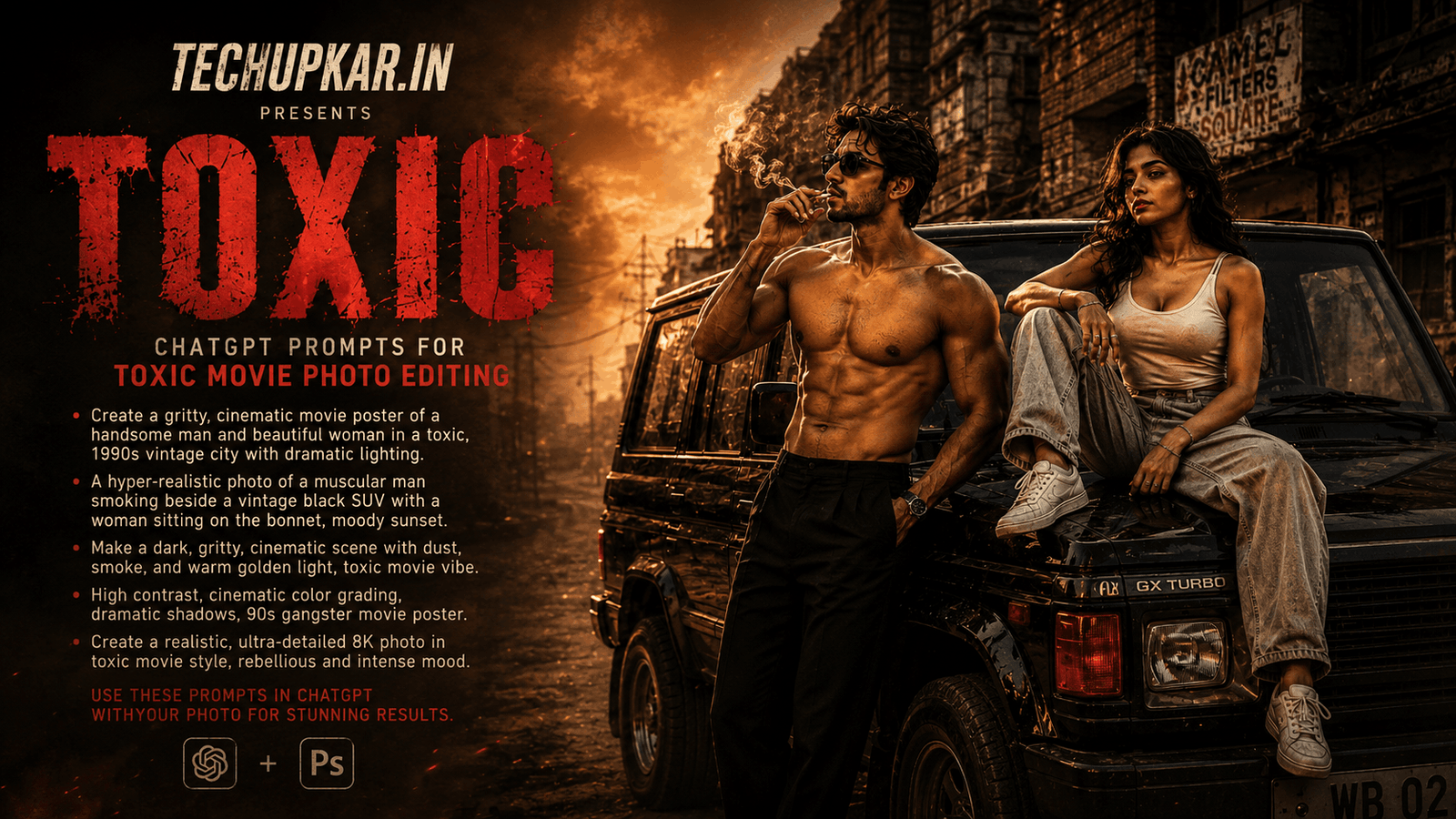
Inspired by Yash’s upcoming movie “Toxic,” a new AI photo editing trend is taking over Instagram and Facebook a vintage 90s-style cinematic portrait next to a classic SUV, complete with dusty golden-hour lighting, a Kingfisher beer bottle, and a confident movie-poster pose. If you’ve been wondering how creators are getting this bold, retro-cinematic look, the secret is a single AI photo editing prompt no professional shoot required. AI is widely used these days everyone seems to be using it so Tech Upkar wants you to leverage this technology to complete tasks quickly. Simply go to ChatGPT, upload a clear photo of your face, copy one of the prompts provided below, and paste it along with your photo; your image will be ready in seconds. You can then download it and share it on social media.
These Tech Upkar Toxic movie prompts lock in your exact face while building the entire vintage-SUV cinematic scene around you dusty 90s atmosphere, warm golden tones, and a bold editorial look inspired by the film. This style of photo editing is currently trending, and by creating and uploading these images, you too could go viral. If you enjoyed this format, you may also like our Viral Motu Patlu AI Photo Prompt.
In this guide
A Quick Note Before You Start
Both Toxic movie prompts below are built to keep your face exactly as it appears in your reference photo while the AI builds the entire vintage-SUV, cinematic 90s scene around you. Use a clear, front-facing photo for the most accurate result. You can find unlimited AI prompts like this one on Tech Upkar.
Toxic Movie AI Photo Editing Prompt 1
Upload a clear photo of your face first this is the photo ChatGPT will use to lock in your identity. Then paste the prompt below alongside it.
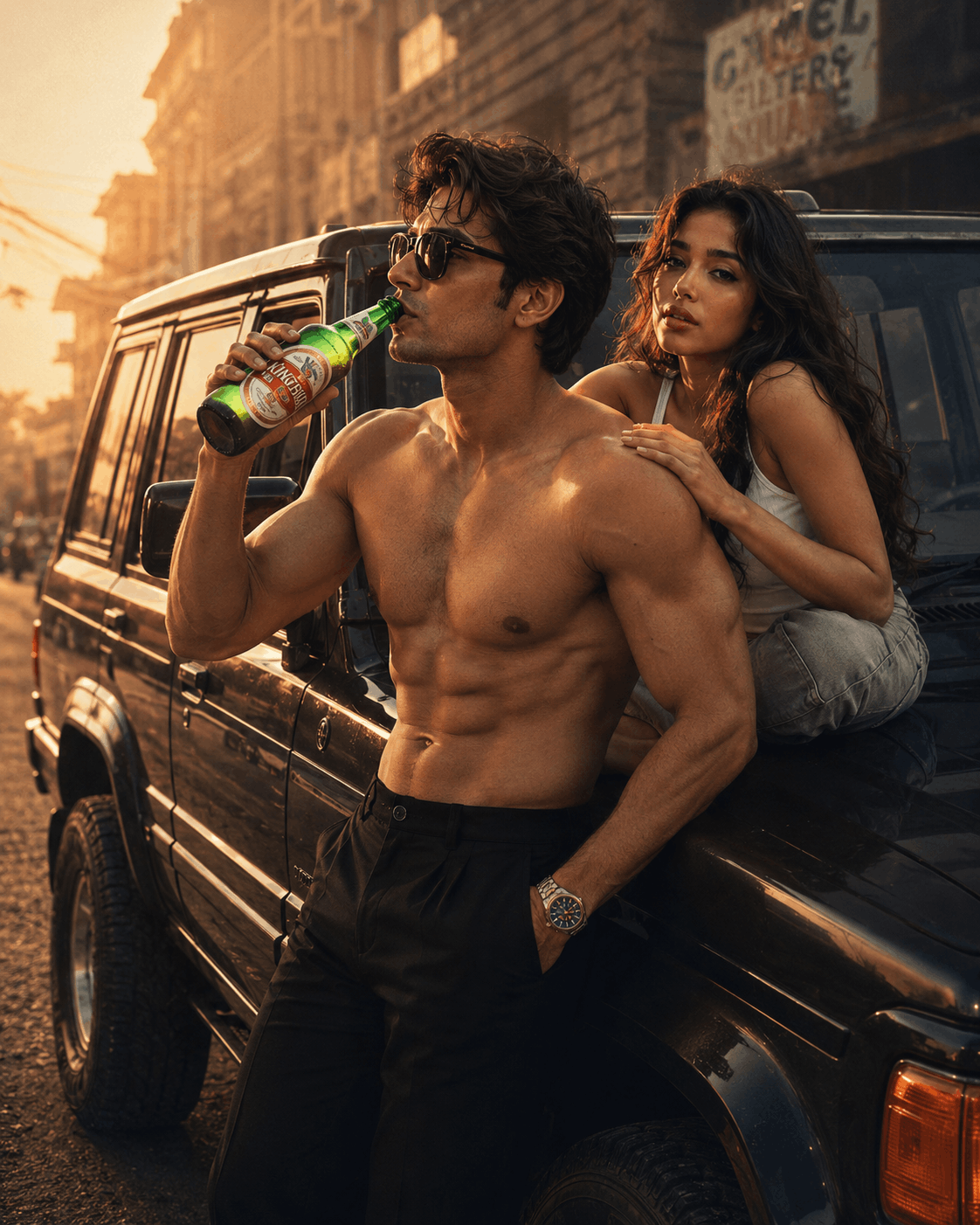
A highly realistic, ultra-HD cinematic portrait of a strikingly handsome young man with a unique, photorealistic face, standing confidently beside a vintage 1990s-inspired SUV...Toxic Movie AI Photo Editing Prompt 2
Want a slightly different pose? This second version keeps the same vintage SUV and cinematic mood, with the woman sitting on the rear of the SUV instead of standing beside it.

A highly realistic, ultra-HD cinematic portrait of a strikingly handsome young man with a unique, photorealistic face, standing confidently beside a vintage 1990s-inspired SUV...How To Use These Toxic Movie Prompts
To create this look, you will need ChatGPT with image generation enabled. Log in using your Gmail account, then click the “+” icon to upload a clear photo of your face. Next, copy whichever prompt you like from above, paste it alongside your photo, and send it. Your image will be ready in a short while simply download it once it’s done. You can also adjust the colors or make other tweaks as you prefer.
Frequently Asked Questions
- Which app do I need for the Toxic movie prompt?
- You need ChatGPT with image generation enabled. Log in with your Gmail account, upload a clear photo of your face, and paste the prompt to generate the image.
- Will my face stay the same?
- Yes. Both prompts end with a clear instruction to keep your face unchanged, so use a clear, front-facing reference photo for the most accurate result.
- What is the difference between Prompt 1 and Prompt 2?
- Both use the same vintage SUV and cinematic 90s mood. Prompt 1 has the woman standing beside the man with a hand on his shoulder, while Prompt 2 has her sitting on the rear of the SUV.
- Is this prompt free to use?
- Yes. ChatGPT is free to use, and the prompts themselves are free to copy and paste.
- Is this style good for Instagram and Facebook?
- Yes. This cinematic, movie-poster style is designed to stand out on Instagram and Facebook feeds and Stories.
Conclusion
As you know, the prompts Tech Upkar shares are always unique and highly effective, delivering working results. These Toxic movie AI photo editing prompts for ChatGPT are fantastic all the necessary details are here, and all you need to do is upload your photo and generate. Browse more of our AI photo editing prompt collection for fresh ideas, and if you encounter any issues during the process, let us know in the comments.