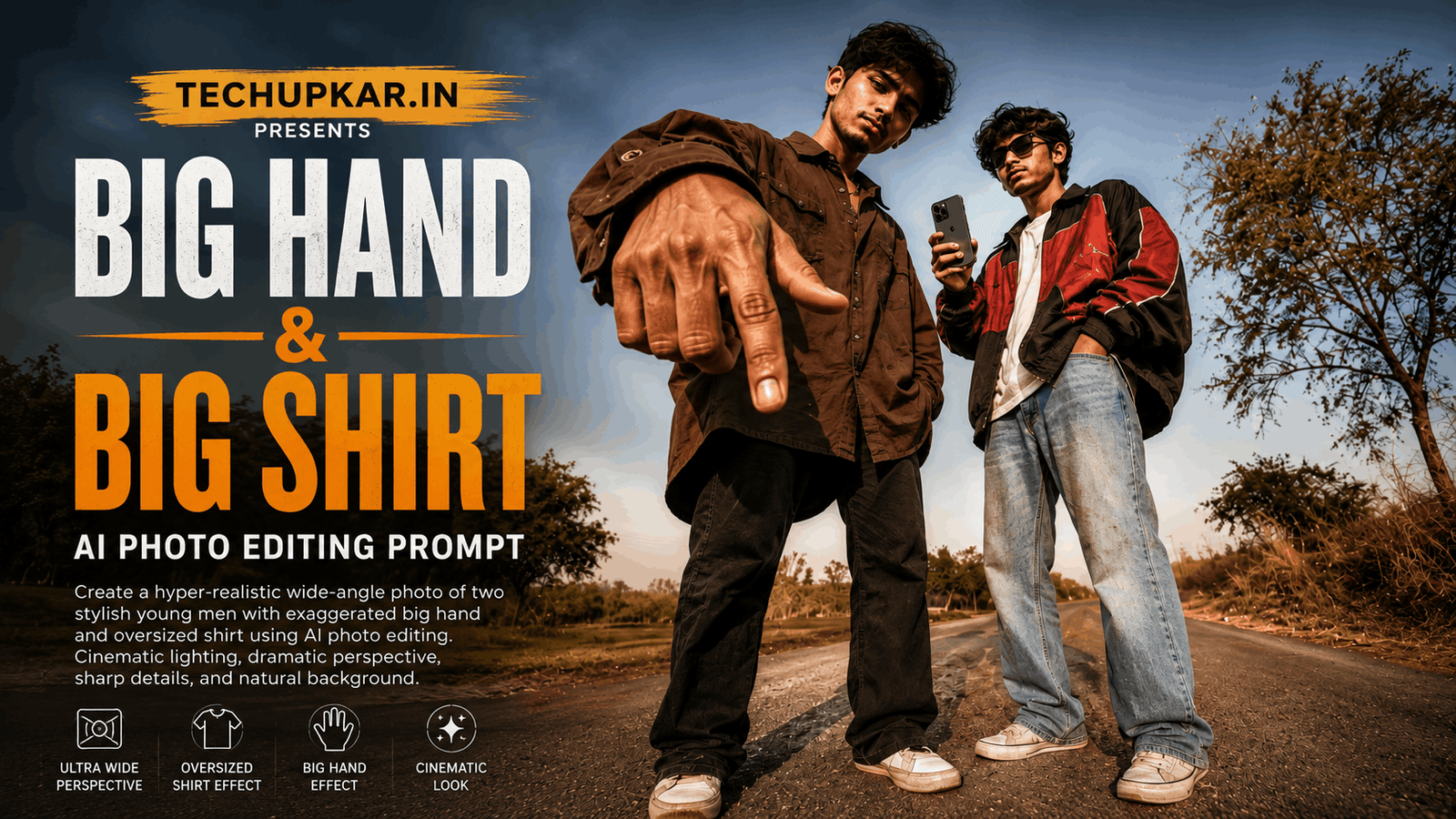
Oversized perspective portraits are everywhere on Instagram Reels and Pinterest right now giant hands reaching toward the camera, huge oversized shirts, tiny stretched legs, all captured in a way that looks funny yet completely photorealistic. If you’ve been wondering how creators are pulling off this exaggerated forced-perspective look with a friend or sibling, the secret is a single AI photo editing prompt no fisheye lens or Photoshop required. AI is widely used these days everyone seems to be using it so Tech Upkar wants you to leverage this technology to complete tasks quickly. Simply go to ChatGPT or Google Gemini, upload a photo of you and a friend, copy one of the prompts provided below, and paste it along with your photo; your image will be ready in seconds. You can then download it and share it on social media.
These Tech Upkar Big Hand & Big Shirt prompts lock in both faces exactly as they appear in your reference photo while the AI builds the entire exaggerated, forced-perspective scene around you giant hands, oversized shirts, and a funny distorted-lens look on a sunny rural road. This style of photo editing is currently trending, and by creating and uploading these images, you too could go viral. If you enjoyed this format, you may also like our Viral Motu Patlu AI Photo Prompt.
In this guide
A Quick Note Before You Start
Both Big Hand & Big Shirt prompts below are built to keep both faces exactly as they appear in your reference photo while the AI applies an exaggerated forced-perspective, oversized-proportion effect to the rest of the body. Use a clear, well-lit reference photo of both people for the most accurate result. You can find unlimited AI prompts like this one on Tech Upkar.
Big Hand & Big Shirt AI Photo Editing Prompt 1
Upload a clear reference photo of both people first this is the photo the AI will use to lock in both faces. Then paste the prompt below alongside it.
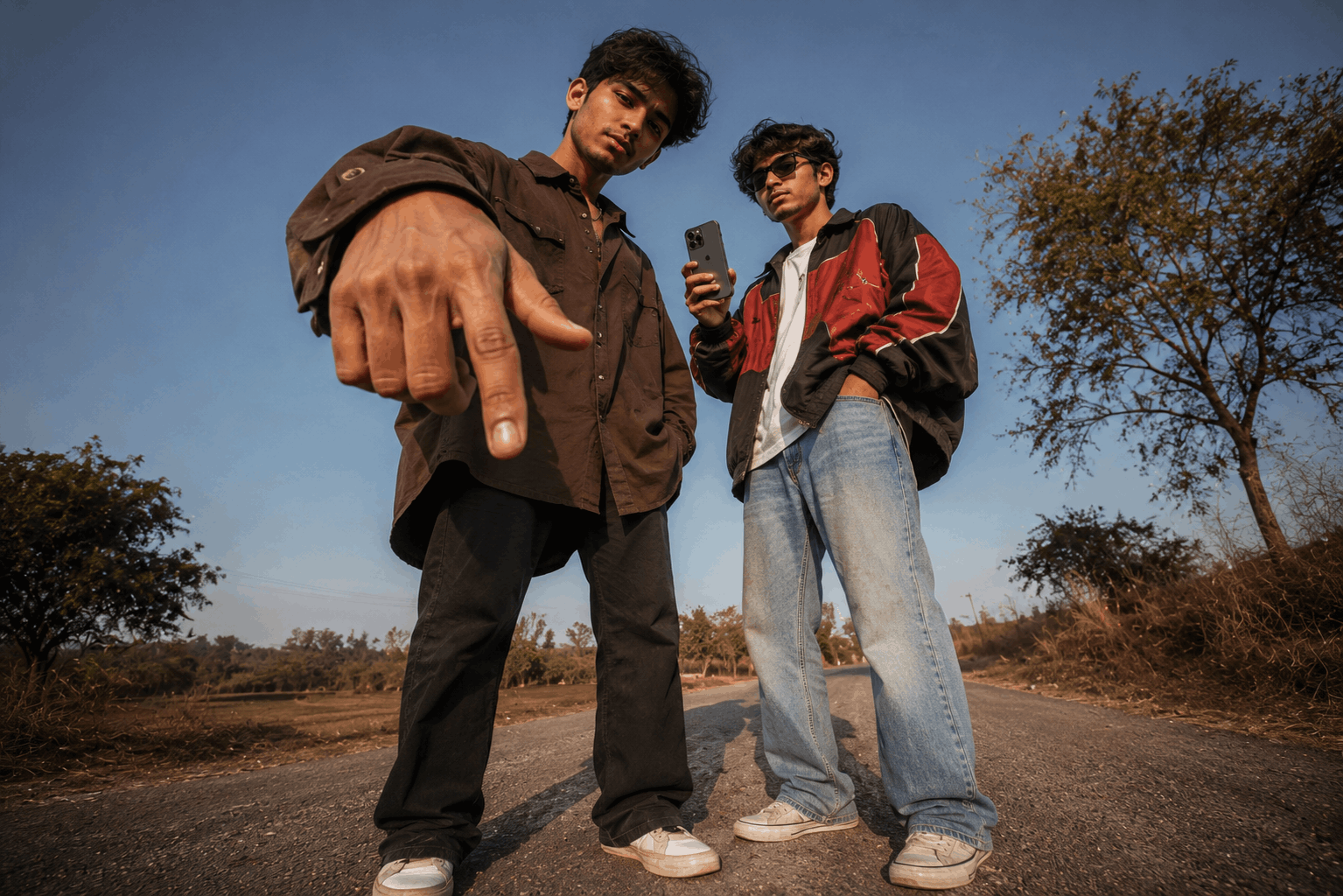
Create an ultra-realistic full-body portrait of two young men standing together on a quiet rural road during bright afternoon sunlight...Big Hand & Big Shirt AI Photo Editing Prompt 2
Want an even more dramatic fisheye-style distortion? This second version uses a closer, waist-level camera angle so the front person’s head appears far larger while the body stays proportionally small.
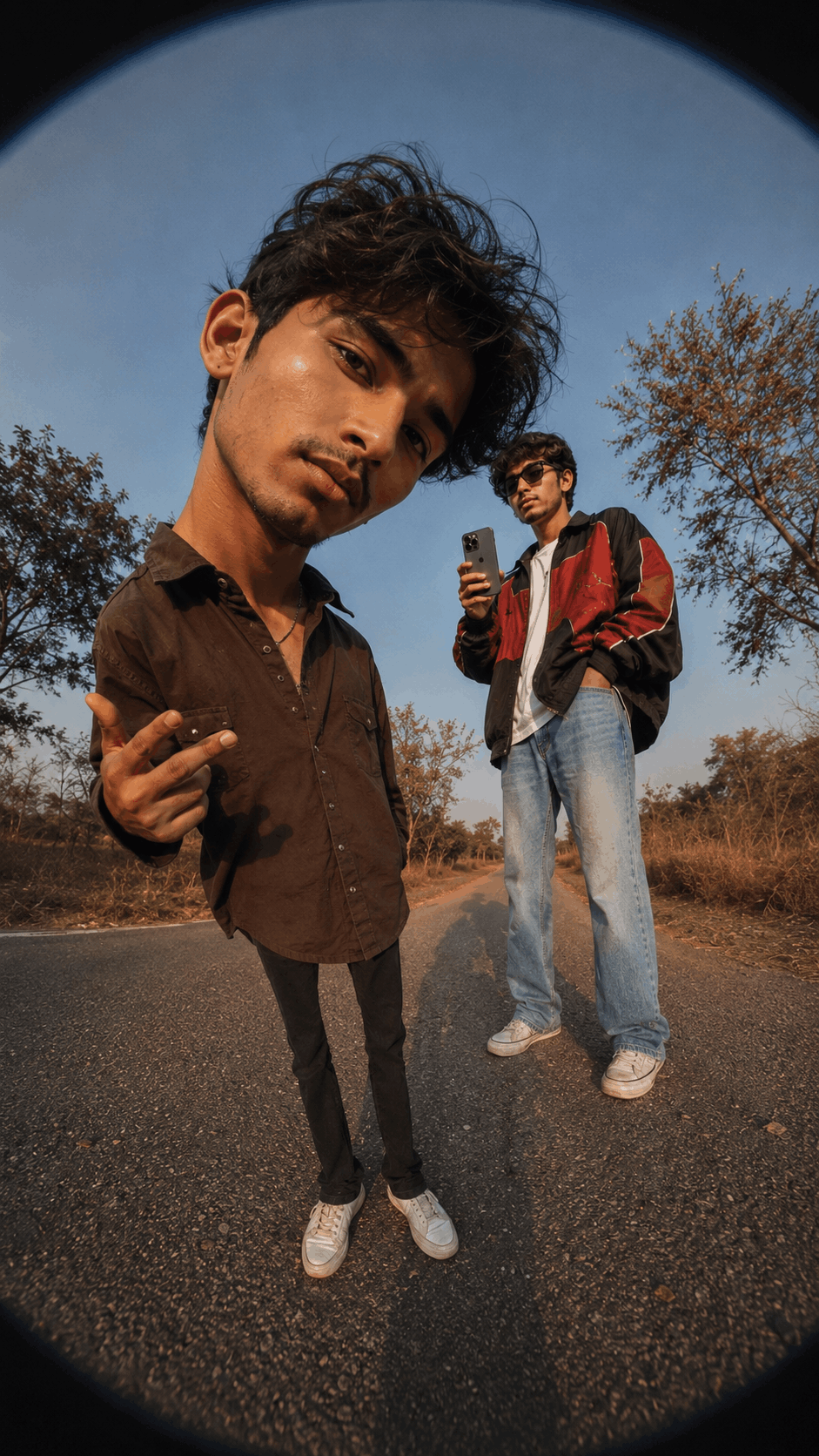
STRICT REFERENCE IMAGE LOCK (Highest Priority): Use the uploaded reference image as the only identity reference...How To Use These Big Hand & Big Shirt Prompts
To create this look, you will need ChatGPT or the Google Gemini app with image generation enabled. Log in using any Gmail account, then click the “+” icon to upload your reference photo. Next, copy whichever prompt you like from above, paste it alongside your photo, and hit send. Wait a few moments for the image to be generated, and then download it once it’s ready.
Frequently Asked Questions
- Can I use this prompt in ChatGPT?
- Yes. Upload your reference photo and paste the complete prompt to generate a similar oversized perspective image.
- Does this prompt work in Google Gemini?
- Yes. Google Gemini also supports detailed AI image prompts and can generate similar creative perspective edits.
- Can I customize the oversized effect?
- Absolutely. You can make the hands, shirt, backpack, shoes, or other objects larger or smaller to create your own unique style.
- Is this trend suitable for Instagram Reels?
- Yes. This editing style is perfect for Instagram Reels, YouTube Shorts, Facebook, Pinterest, and other social media platforms where creative and funny content performs well.
- What is the difference between Prompt 1 and Prompt 2?
- Prompt 1 uses a wide-angle lens with both people fully visible and a giant hand reaching toward the camera. Prompt 2 uses a closer fisheye-style lens so the front person’s head appears much larger while their body stays small.
Conclusion
As you know, the prompts Tech Upkar shares are always unique and highly effective, delivering working results. These Big Hand & Big Shirt AI photo editing prompts for ChatGPT and Google Gemini are fantastic all the necessary details are here, and all you need to do is upload your photo and generate. Browse more of our AI photo editing prompt collection for fresh ideas, and if you encounter any issues during the process, let us know in the comments.