
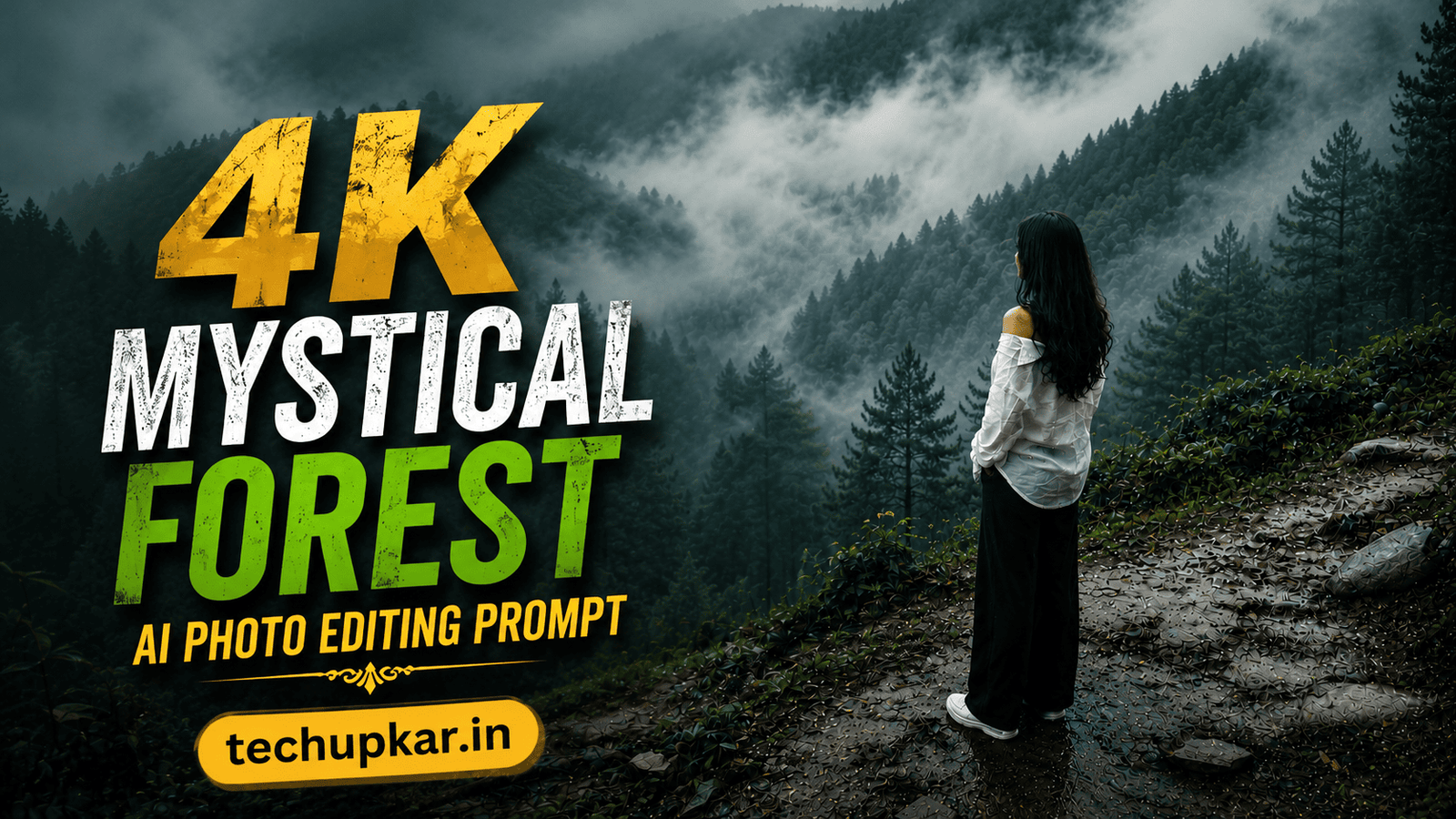
The Mystical Forest trend with cinematic fog effects is everywhere on Instagram and Pinterest right now a single photo transformed into a dense, misty, enchanted-forest scene that looks like a premium DSLR shot from a cold morning shoot. If you’ve been wondering how creators are getting this moody, atmospheric look without ever visiting a forest, the secret is a single AI photo editing prompt. AI is widely used these days everyone seems to be using it so Tech Upkar wants you to leverage this technology to complete tasks quickly. Simply go to Google Gemini or ChatGPT, upload your photo, copy the prompt provided below, and paste it along with your image; your result will be ready in seconds. You can then download it and share it on social media.
This Tech Upkar Mystical Forest prompt transforms your existing photo directly it adds dense white fog, rich emerald and moss-green forest tones, volumetric light rays, and full cinematic color grading, turning any image into an ultra-realistic enchanted forest masterpiece. This style of photo editing is currently trending, and by creating and uploading these images, you too could go viral. If you enjoyed this format, you may also like our Cinematic Fog Style AI Photo Prompt.
In this guide
A Quick Note Before You Start
This Mystical Forest prompt is built to transform your existing photo rather than generate a new one it adds fog, color grading, lighting, and atmosphere on top of your image. The prompt is written so Gemini or ChatGPT enhances the environment, textures, and mood around your photo while keeping the overall composition realistic. You can find unlimited AI prompts like this one on Tech Upkar.
Mystical Forest AI Photo Editing Prompt
Upload your photo first this is the image the AI will transform with fog, forest tones, and cinematic lighting. Then paste the prompt below alongside it.
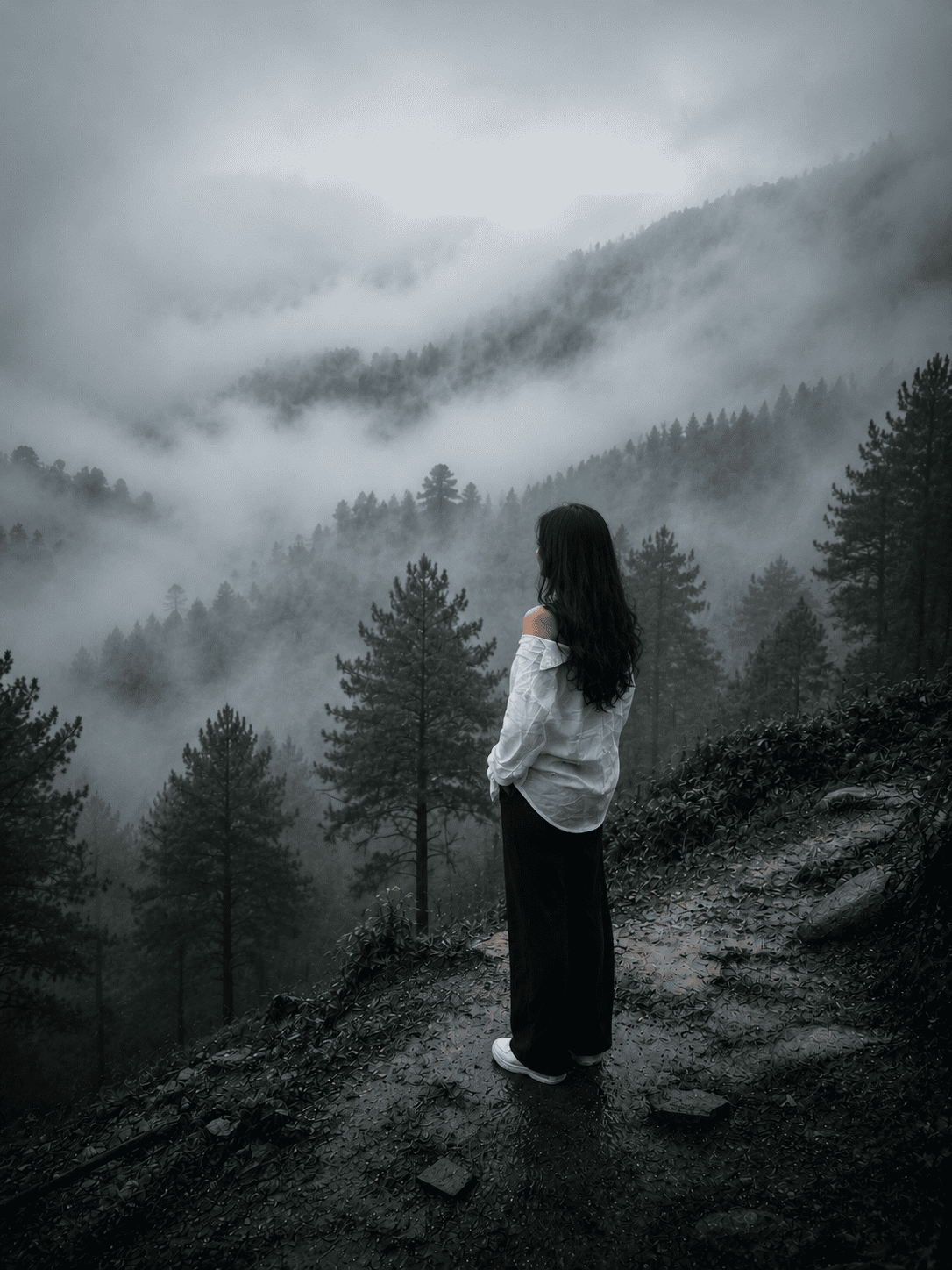
Transform this image into a breathtaking ultra-realistic foggy forest masterpiece. Add dense natural white fog covering the entire environment...How To Use This Mystical Forest Prompt
To create this foggy forest transformation, you will need the Google Gemini app or ChatGPT with image generation enabled. After downloading it, log in using any Gmail account. Next, locate the “+” icon at the bottom, click on it, and upload your photo. Then, copy the prompt above, paste it alongside the photo, and hit send. Wait a few moments for the image to be generated, and then download it once it’s ready.
Which Camera Or Phone Should You Choose?
You can choose whichever you prefer, but Sony cameras are currently favored for the best reference photos. If you are looking for a budget-friendly option for photography, Nikon is a good choice, while Canon is excellent for video. If you need a camera that excels at both, Sony is a great option. You can also take your reference photo using your smartphone iPhones, Samsung phones, and Google phones are all excellent choices for this purpose.
Nowadays, cameras are easily available; you can simply make a down payment and finance the purchase. You can pay off the cost through monthly EMIs, with tenure options ranging from 12 to 36 months. While this might cost you an extra ₹20,000 to ₹30,000 in total, the payments are spread out over time. Once you have the camera, you can shoot a clear, well-lit reference photo yourself and run it through this Mystical Forest prompt for the same cinematic look.
Frequently Asked Questions
- Is this AI photo editing prompt free?
- Yes. This prompt is completely free to use. Some AI image generation platforms may require a premium subscription for higher-quality outputs.
- Can I use this prompt in ChatGPT?
- Yes. ChatGPT supports AI image generation and editing features that let you create realistic cinematic forest images using this detailed prompt.
- Can I use this prompt in Google Gemini?
- Yes. Google Gemini can also generate realistic foggy forest scenes and cinematic images from this prompt.
- How do I make the AI photo look more realistic?
- Use a high-quality source image and keep the prompt’s detailed instructions about lighting, textures, shadows, colors, and depth intact.
- Is this prompt good for Instagram and Pinterest?
- Absolutely. This editing style is perfect for Instagram posts, Pinterest content, wallpapers, and other social media visuals.
- Can beginners use this prompt?
- Yes. This prompt is beginner-friendly. Simply upload your image, paste the prompt, and let the AI create the final result.
Conclusion
As you know, the prompts Tech Upkar shares are always unique and highly effective, delivering working results. This Mystical Forest AI photo editing prompt for Google Gemini and ChatGPT is fantastic all the necessary details are here, and all you need to do is upload your photo and generate. Browse more of our AI photo editing prompt collection for fresh ideas, and if you encounter any issues during the process, let us know in the comments.