
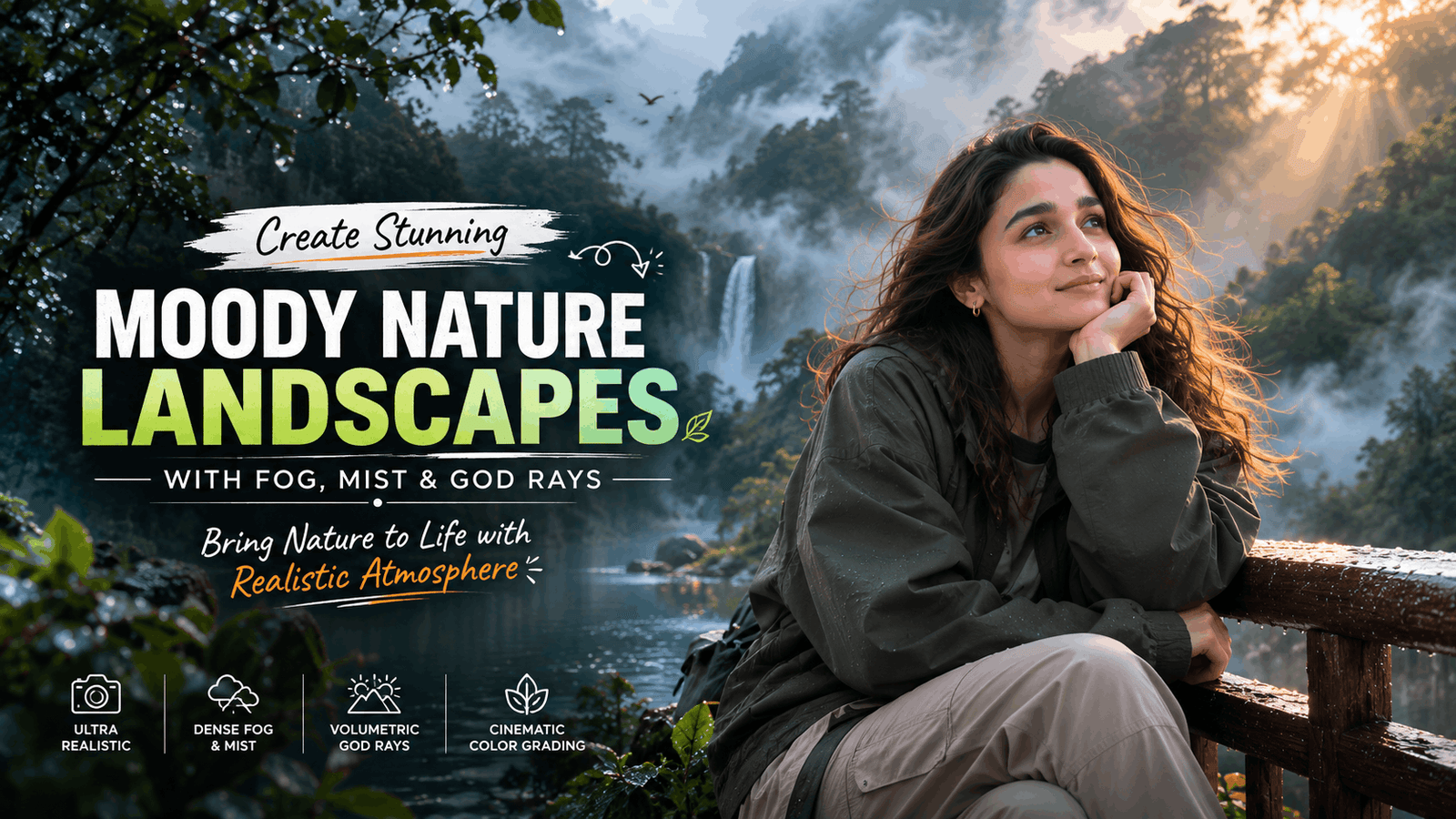
Tech Upkar is diving into one of the most popular trends in AI image generation right now cinematic fog photography. The soft mist, dreamy atmosphere, and cinematic lighting create a unique mood that instantly makes any image look professional and eye-catching.
An Ultra Realistic Aesthetic Fog Style Photo Prompt helps generate stunning visuals with realistic fog, natural lighting, atmospheric depth, and detailed landscapes. Whether you are using ChatGPT, Gemini, Midjourney, or any AI image tool, the right prompt can transform an ordinary photo into a breathtaking masterpiece.
In this article, Tech Upkar breaks down the key elements of a realistic fog-style prompt and shows you how to create cinematic, high-quality images that look like they were captured by a professional DSLR camera.
If you’re new to AI prompting, check out our full library of AI photo prompts before trying these fog styles.
In this guide
Quick Fog Style Keyword Prompt
A short, keyword-style Tech Upkar prompt you can drop into any AI image tool for a fast moody fog result.
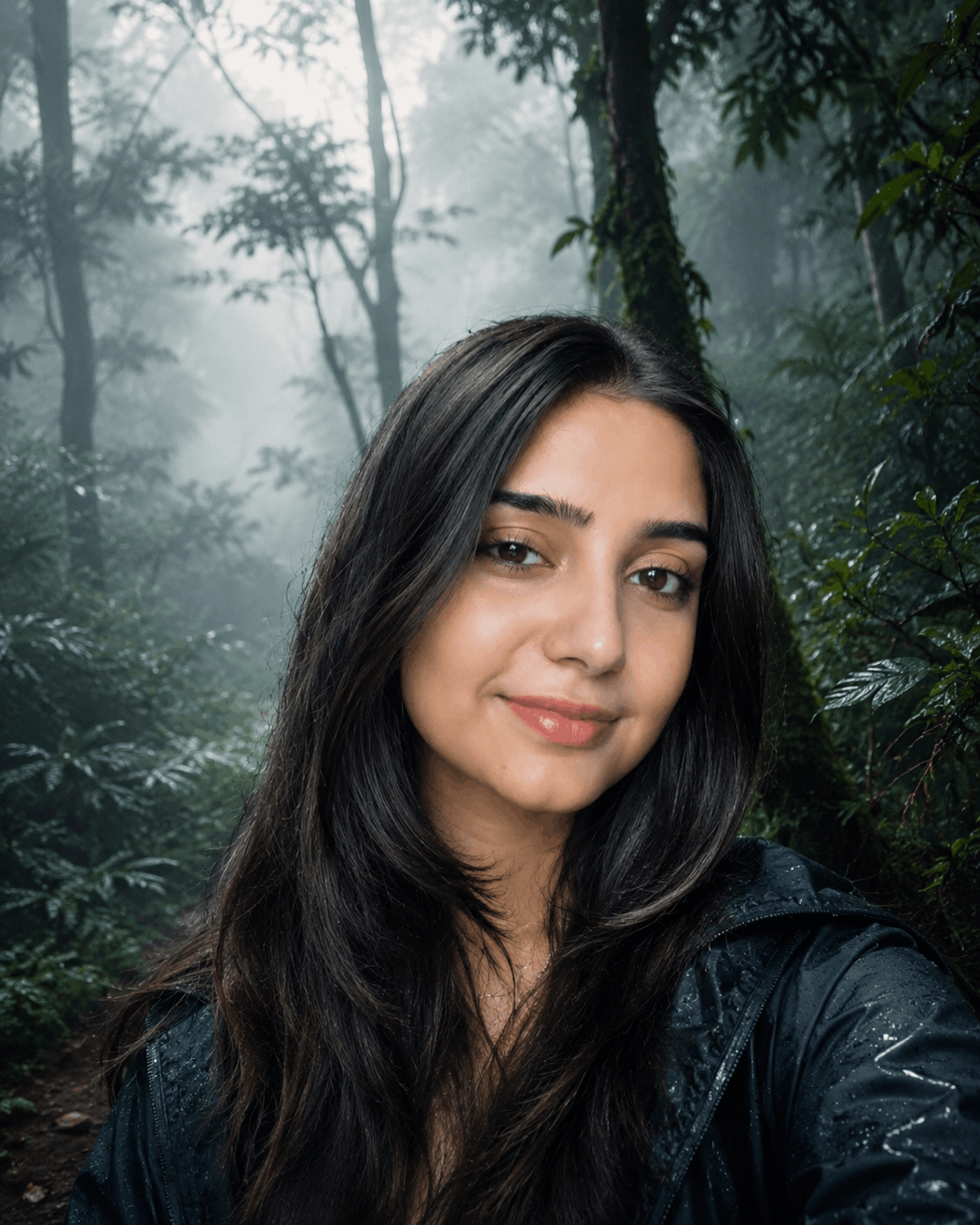
Moody Nature, Dense Fog Weather, Volumetric Lighting, HDR, Ultra Realistic, Professional Color Grade, 4K Quality, DSLR Shot, Atmospheric Depth, Photorealistic!Foggy Forest Masterpiece Prompt
This detailed Tech Upkar prompt transforms your uploaded photo into a lush, emerald-toned enchanted forest wrapped in dense fog and volumetric light.
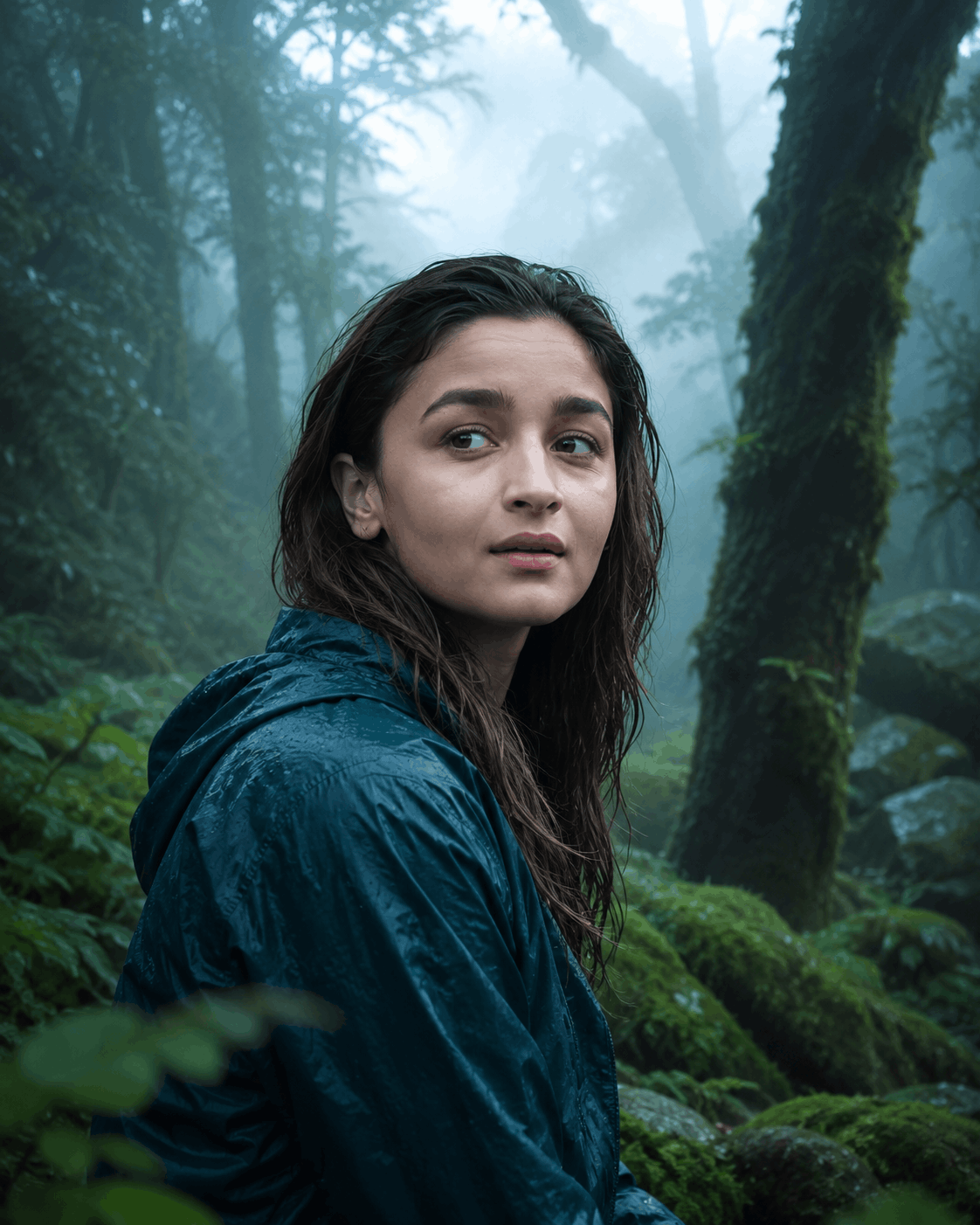
Use the uploaded image as the base photo. Transform it into an ultra-realistic cinematic foggy forest masterpiece with dense natural white fog, layered atmospheric mist, and a mysterious woodland ambience.Subject-Preserving Cinematic Color Grade Prompt
Use this Tech Upkar prompt when you want the fog and cinematic grading applied around your subject without altering the subject itself in any way.
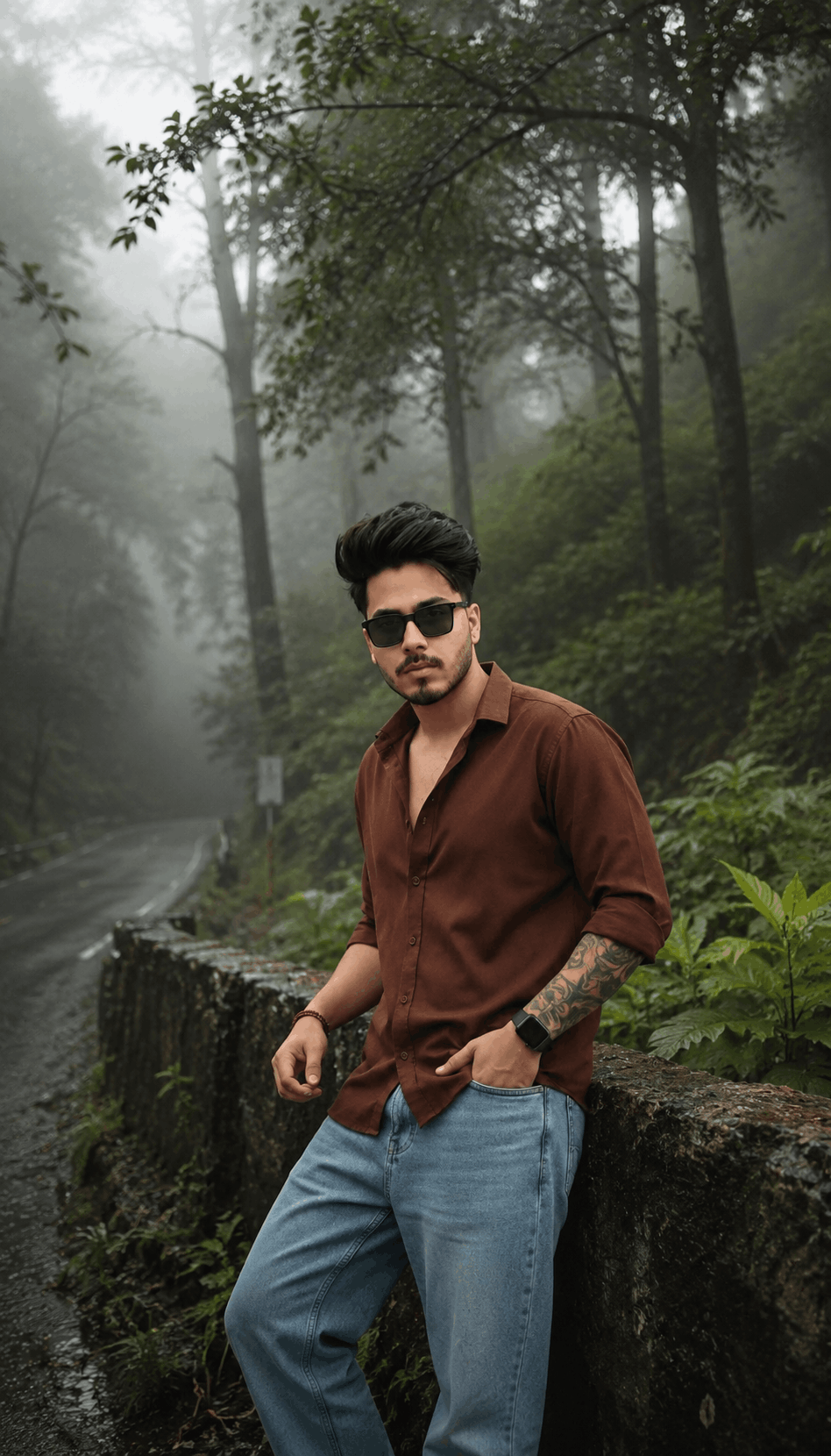
The ORIGINAL SUBJECT is the primary visual focus of this transformation. Preserve the subject with absolute pixel-level fidelity.Foggy Forest Transformation Prompt (Alternate)
A slightly different take on the enchanted foggy forest look, with more emphasis on layered fog depth and a cold misty morning mood.
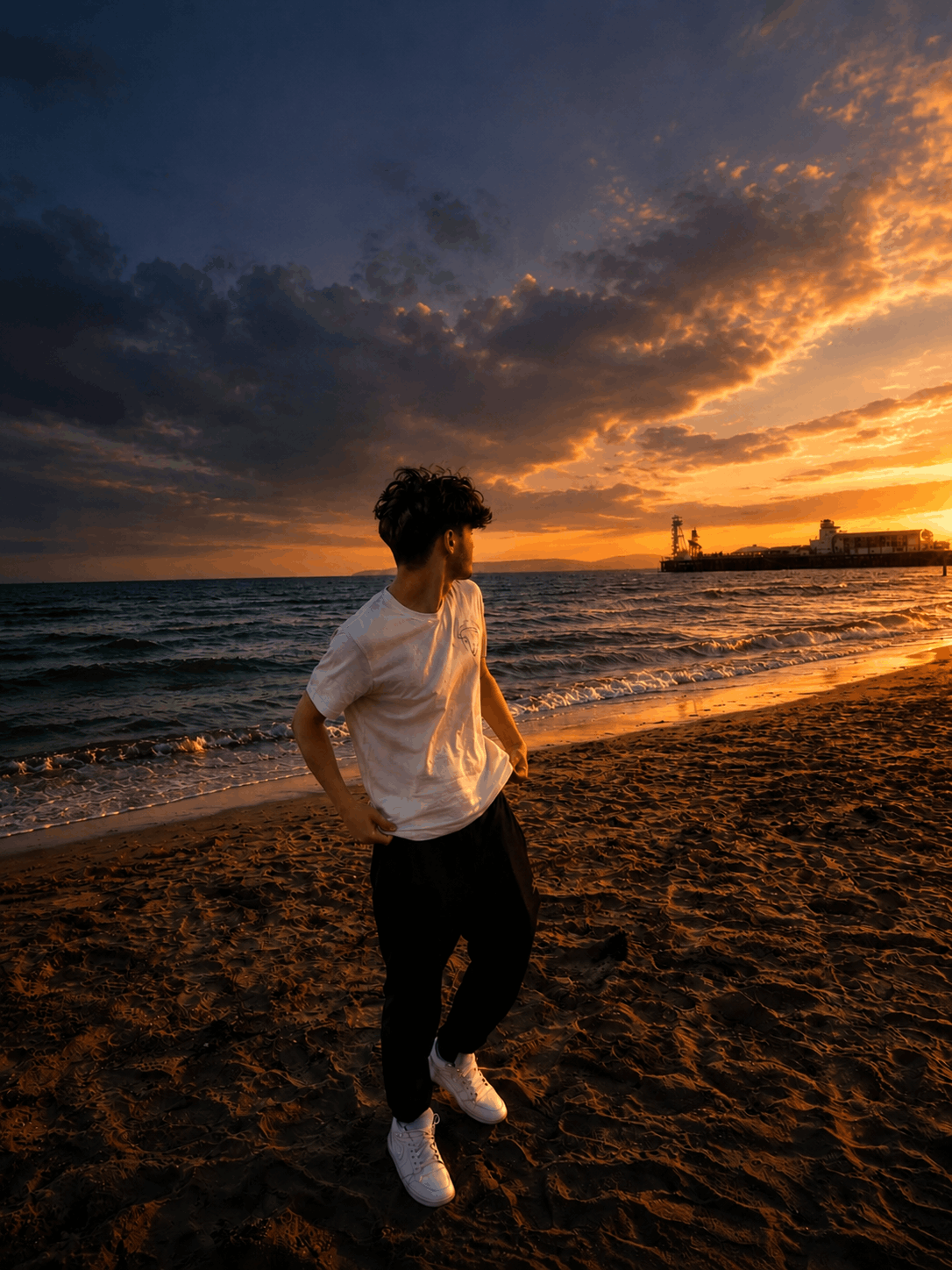
Transform this image into a breathtaking ultra-realistic foggy forest masterpiece. Add dense natural white fog covering the entire environment, creating a mysterious and cinematic atmosphere.Why Fog Photography Works So Well
Ultra Realistic Aesthetic Fog Style Photo Prompts are perfect for creating cinematic and emotional images with a natural, professional look. By combining realistic fog effects, soft lighting, detailed textures, and atmospheric depth, you can produce stunning visuals that stand out on social media and creative projects.
The secret to great fog photography is balancing realism with artistic mood. Small details such as mist scattering, wet surfaces, natural shadows, and soft color grading can make a huge difference in the final result. Tech Upkar recommends testing more than one of the five prompts above to see which mood fits your photo best.
Use the techniques and prompt ideas shared in this guide to create your own breathtaking fog-style images and bring a new level of realism to your AI-generated artwork.
Frequently Asked Questions
- Which AI tools work best with these fog prompts?
- ChatGPT, Google Gemini, and Midjourney all handle these fog-style prompts well, especially when you upload a clear reference photo first.
- Do I need to upload a photo for every prompt?
- Not always. The short keyword-style prompts can generate a fog scene from scratch, while the detailed transformation prompts work best with an uploaded reference image.
- Will these prompts change my subject’s face or identity?
- The subject-preserving prompt is designed specifically to keep identity, pose, and facial features unchanged while only enhancing the lighting and color grading.
- Can I combine two of these prompts together?
- Yes. Many users layer the quick keyword prompt with one of the detailed forest prompts for extra atmospheric depth.
- Are these fog prompts free to use?
- Yes. All the prompts shared here are free to copy and use with any AI image generator that supports text or image-based prompts.
Final Thoughts
Fog photography continues to be one of the most striking styles in AI image generation, and these five Tech Upkar prompts give you several ways to achieve that cinematic, moody look. Whether you want a quick keyword-based result or a fully detailed forest transformation, there’s a version here for every type of photo.
Save these prompts, try them with your own images, and keep checking back with Tech Upkar for more ready-to-copy AI photo prompt ideas.