
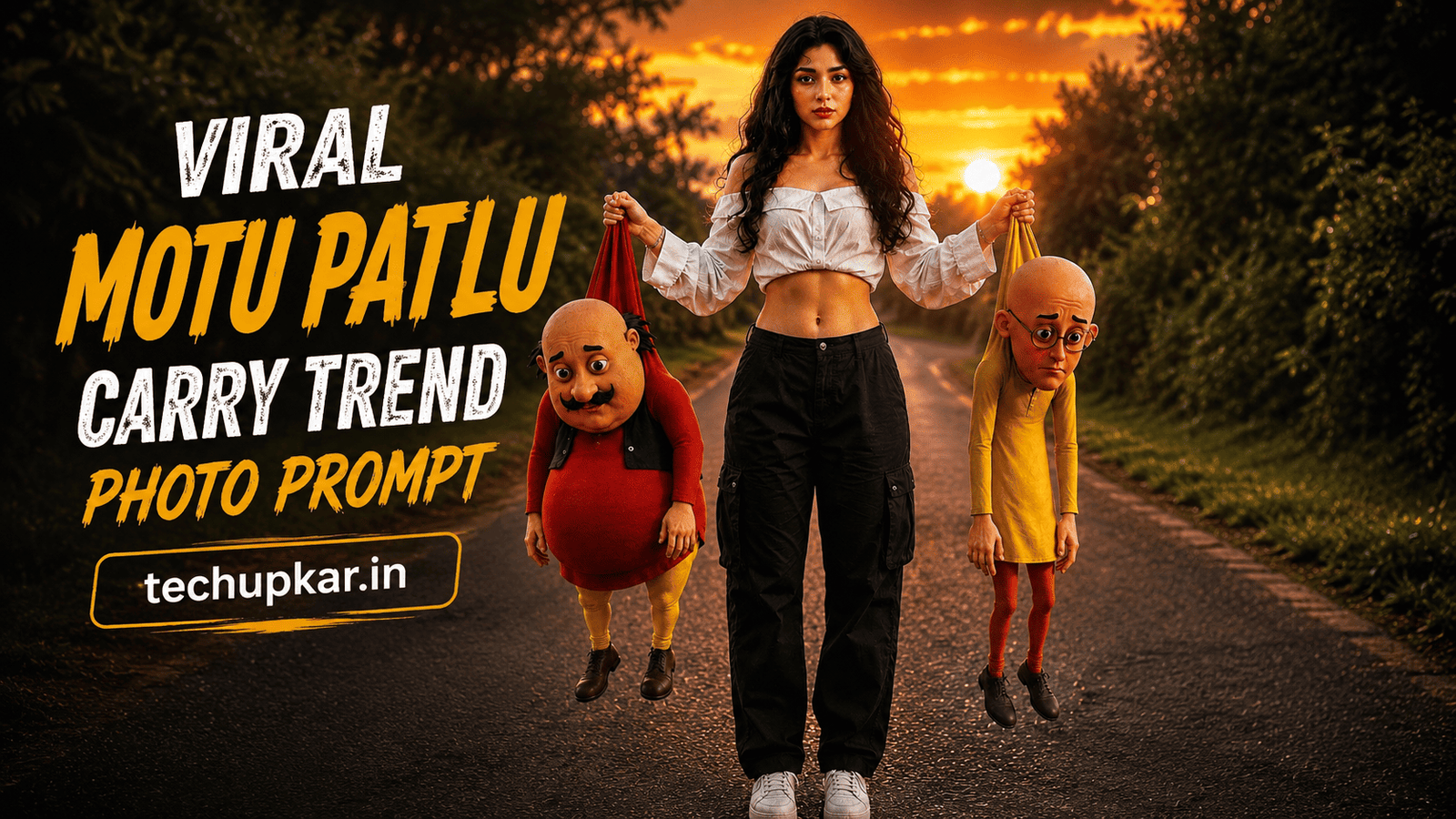
The Motu Patlu Carry Trend AI Photo Editing Prompt is the most entertaining viral trend taking over Instagram Reels, YouTube Shorts, and WhatsApp Status right now — a stunning ultra-realistic DSLR portrait of you standing confidently on a golden-hour countryside road while holding Motu and Patlu in the air by gripping the tops of their shirts, as if they are shopping bags. It is funny, creative, and exactly the kind of image that makes people stop scrolling and share immediately. Instagram is full of fun AI trends but every now and then one catches everyone’s attention, and this is that trend right now. AI is widely used these days and Tech Upkar wants you to use this technology to create yours in seconds. Simply go to Google Gemini or ChatGPT, upload your reference photo, copy the prompt below, paste it alongside your photo, and your viral cartoon carry edit will be ready to download and post.
This Tech Upkar Motu Patlu Carry Trend prompt locks in the complete scene — golden sunset road, lush green trees, cinematic HDR lighting, 8K DSLR quality — while seamlessly blending both cartoon characters into the real environment with accurate scale, realistic shadows, and contact lighting so they look physically present rather than pasted. Your face, hairstyle, skin tone, body shape, and clothes stay 100% unchanged from your reference photo. This style is perfect for going viral and Tech Upkar makes it completely free for you. If you enjoy this format, you will also love our Moving Into 2026 With Your Memories AI Photo Editing Prompt.
In this guide
A Quick Note Before You Start
This Motu Patlu Carry Trend prompt is built so the AI seamlessly blends both cartoon characters — Motu (the chubby bald man in red and yellow) and Patlu (the thin bald man with glasses in yellow and orange) — into the real photograph with accurate gravity, contact shadows, matching lighting, and lifelike textures. At the same time, your identity is fully protected: your face, hairstyle, skin tone, body shape, clothing, and pose will remain exactly as they appear in your uploaded reference photo. Use a clear full-body or waist-up reference image for the best results. You can find unlimited AI prompts like this one on Tech Upkar.
Motu Patlu Carry Trend AI Photo Editing Prompt
Upload your reference image first — this is the photo the AI uses to lock in your appearance and identity. Then paste the complete prompt below alongside it.
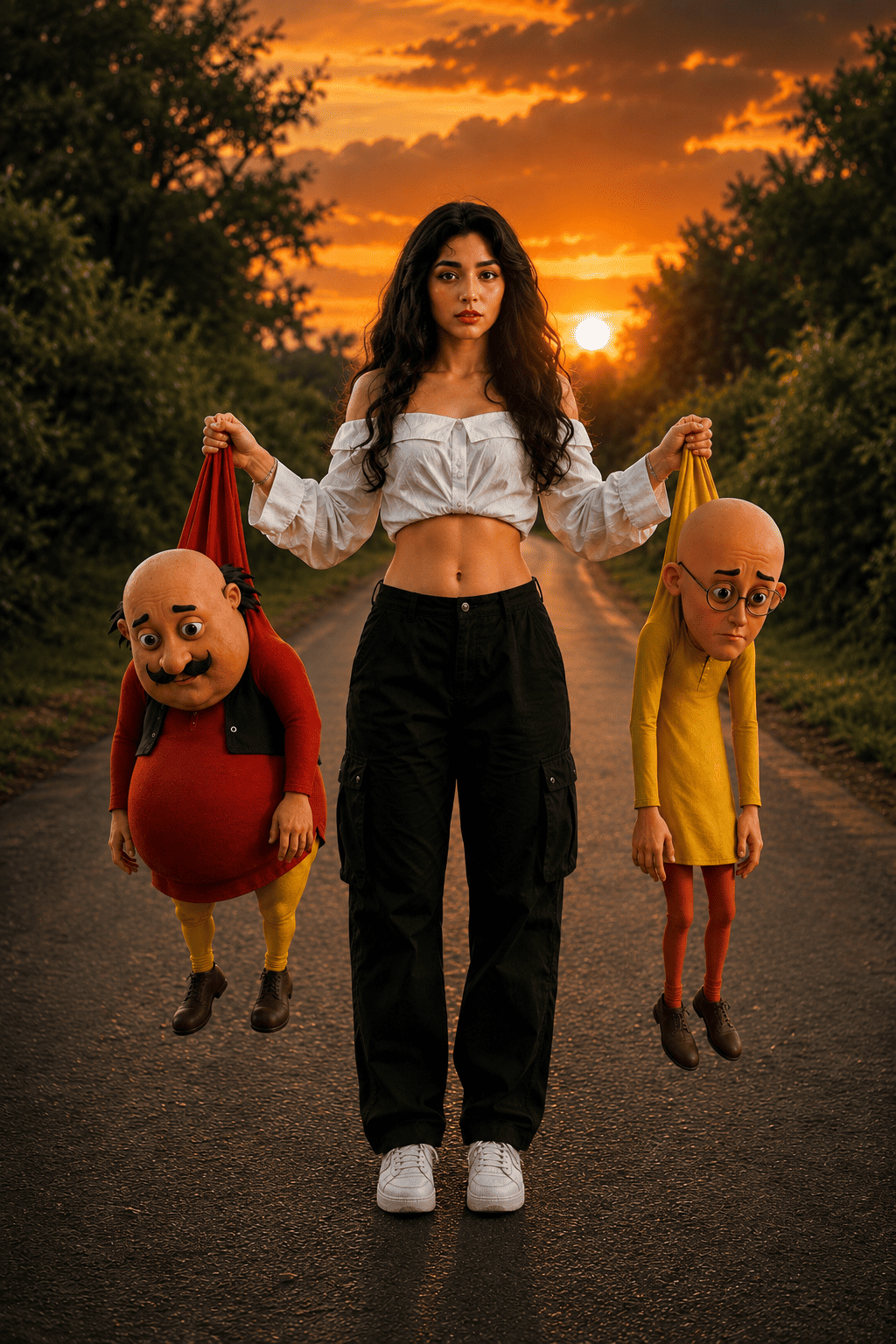
Create an ultra-realistic DSLR-style full-body portrait standing confidently in the middle of a quiet rural road...
How To Use This Prompt
To create this Motu Patlu carry edit, you will need the Google Gemini app or ChatGPT with image generation enabled. Download the app and log in with any Gmail or Google account. Tap the “+” icon at the bottom of the chat screen and upload your reference photo — a clear full-body or waist-up shot works best. Before pasting, replace [PERSON DESCRIPTION] with a brief description of yourself (for example: “a young Indian man”) and replace [OUTFIT] with what you are wearing in the reference photo (for example: “a white shirt and blue jeans”). Then paste the full prompt alongside your photo and hit send. Your image will be ready in a few seconds — download it and post directly to Instagram Reels, YouTube Shorts, or WhatsApp Status.
Which Camera Or Phone Should You Choose?
Any clear, well-lit full-body or waist-up reference photo works well for this prompt. That said, Sony cameras are currently the top choice for reference shots thanks to their exceptional dynamic range and skin tone accuracy. If you are on a budget, Nikon is a solid and affordable pick, while Canon is excellent for both photos and video. For smartphone users, iPhones, Samsung Galaxy phones, and Google Pixel phones all produce sharp, natural reference images — all three are ideal for getting accurate AI results with this prompt.
If you do not yet own a quality camera, you can easily purchase one on EMI — make a down payment and pay the remaining cost through monthly instalments over 12 to 36 months. Once you have a good camera, every AI prompt you try on Tech Upkar will produce sharper, more cinematic, and more realistic results.
Frequently Asked Questions
- Which app do I need for the Motu Patlu Carry Trend prompt?
- You need the Google Gemini app or ChatGPT with image generation enabled. Log in with any Gmail account, upload your reference photo, fill in the [PERSON DESCRIPTION] and [OUTFIT] fields, paste the full prompt, and your image will be generated in seconds.
- What should I fill in for [PERSON DESCRIPTION] and [OUTFIT]?
- Replace [PERSON DESCRIPTION] with a short description of yourself such as “a young Indian man” or “a young Indian woman.” Replace [OUTFIT] with what you are wearing in your reference photo, for example “a red kurta and dark jeans.” The more specific you are, the more accurate the output.
- Can I replace Motu and Patlu with other cartoon characters?
- Yes. You can customize the prompt with any other cartoon characters, animated figures, or creative ideas. Simply replace the character descriptions in the prompt with your preferred characters and their appearance details.
- Will my face stay exactly the same?
- Yes. The prompt instructs the AI to keep your face, hairstyle, skin tone, body shape, clothing, and pose exactly as they appear in your uploaded reference image. Use a clear, well-lit photo for the most accurate result.
- Is this edit good for Instagram Reels and YouTube Shorts?
- Absolutely. The vertical 9:16 format is built specifically for Instagram Reels, YouTube Shorts, WhatsApp Status, and Facebook Stories. This is currently one of the most shared AI cartoon mashup formats on social media.
Conclusion
As you know, the prompts Tech Upkar shares are always unique and highly effective, delivering working results every time. This Motu Patlu Carry Trend AI photo editing prompt for Google Gemini and ChatGPT is one of the most entertaining edits you can make right now — all the details are packed in, just upload your photo, fill in two fields, and generate. Browse more of our AI photo editing prompt collection for fresh viral ideas, and if you run into any issues while generating, drop a comment below and we will help you out.