
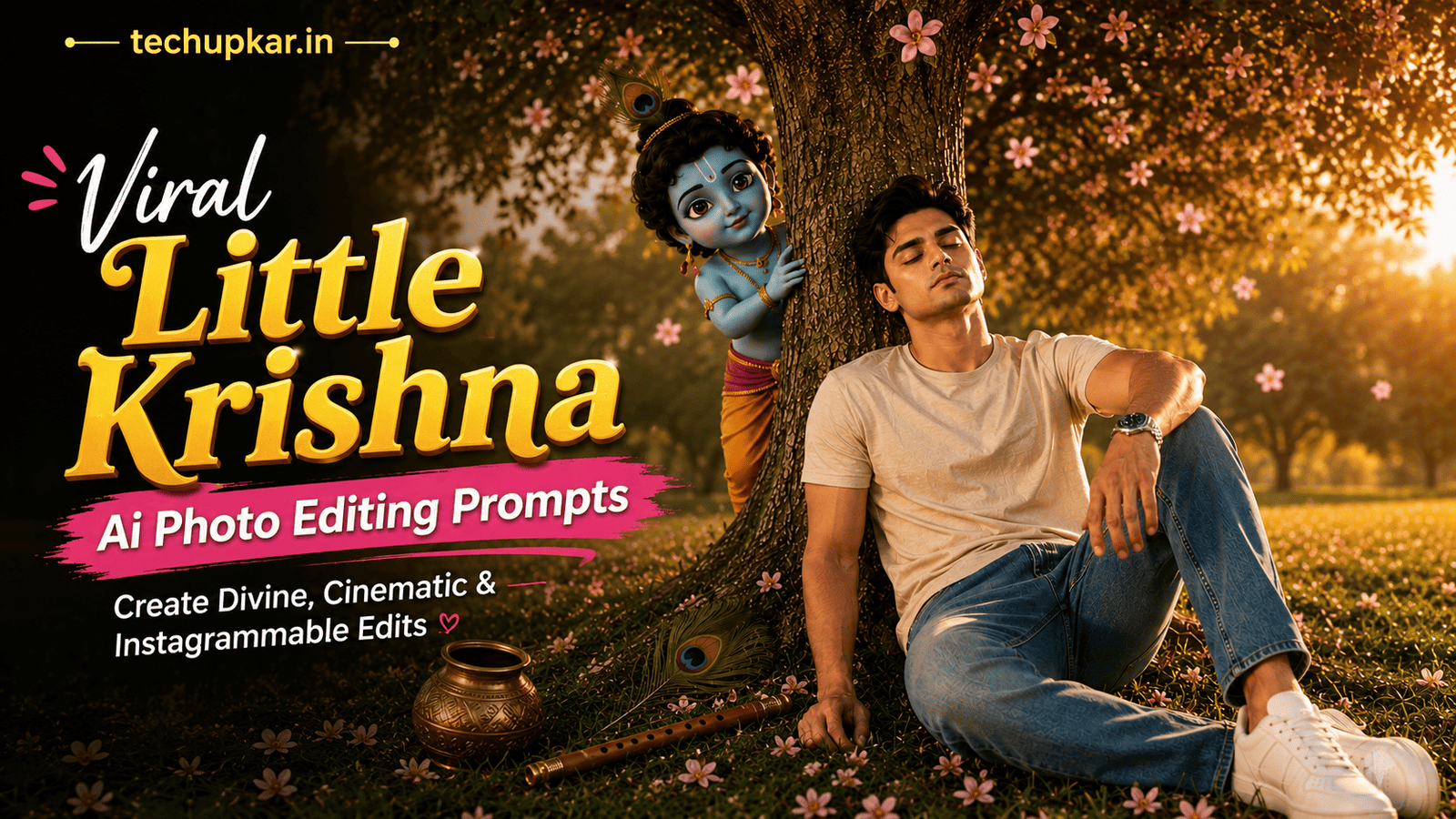
Little Krishna AI photo editing prompts are the newest devotional trend going viral on Instagram and Facebook a child seated peacefully under a green tree, with a glowing 3D “Little Krishna” watching from behind, complete with a flute, peacock feather, and falling flowers. If you’ve been wondering how creators are getting this magical, cinematic look, the secret is a single AI photo editing prompt no professional editing needed. AI is widely used these days everyone seems to be using it so Tech Upkar wants you to leverage this technology to complete tasks quickly. Simply go to ChatGPT, upload a full-body reference photo, copy one of the prompts provided below, and paste it along with your photo; your image will be ready in seconds. You can then download it and share it on social media.
These Tech Upkar Little Krishna prompts keep your exact face and outfit unchanged while building the entire devotional scene around you a green tree, scattered flowers, grass, Krishna’s flute and peacock feather, and a glowing Little Krishna figure watching from behind. This style of photo editing is currently trending, and by creating and uploading these images, you too could go viral. If you enjoyed this format, you may also like our Divine Shiva AI Photo Editing Prompt.
In this guide
A Quick Note Before You Start
Both Little Krishna prompts below are built to keep your exact face and outfit unchanged while the AI adds the tree, flowers, grass, and glowing Little Krishna figure around you. Use a clear, full-body reference photo for the most accurate result. You can find unlimited AI prompts like this one on Tech Upkar.
Little Krishna AI Photo Editing Prompt (Boy Version)
Upload a clear, full-body photo first this is the photo the AI will use to lock in your face and outfit. Then paste the prompt below alongside it.
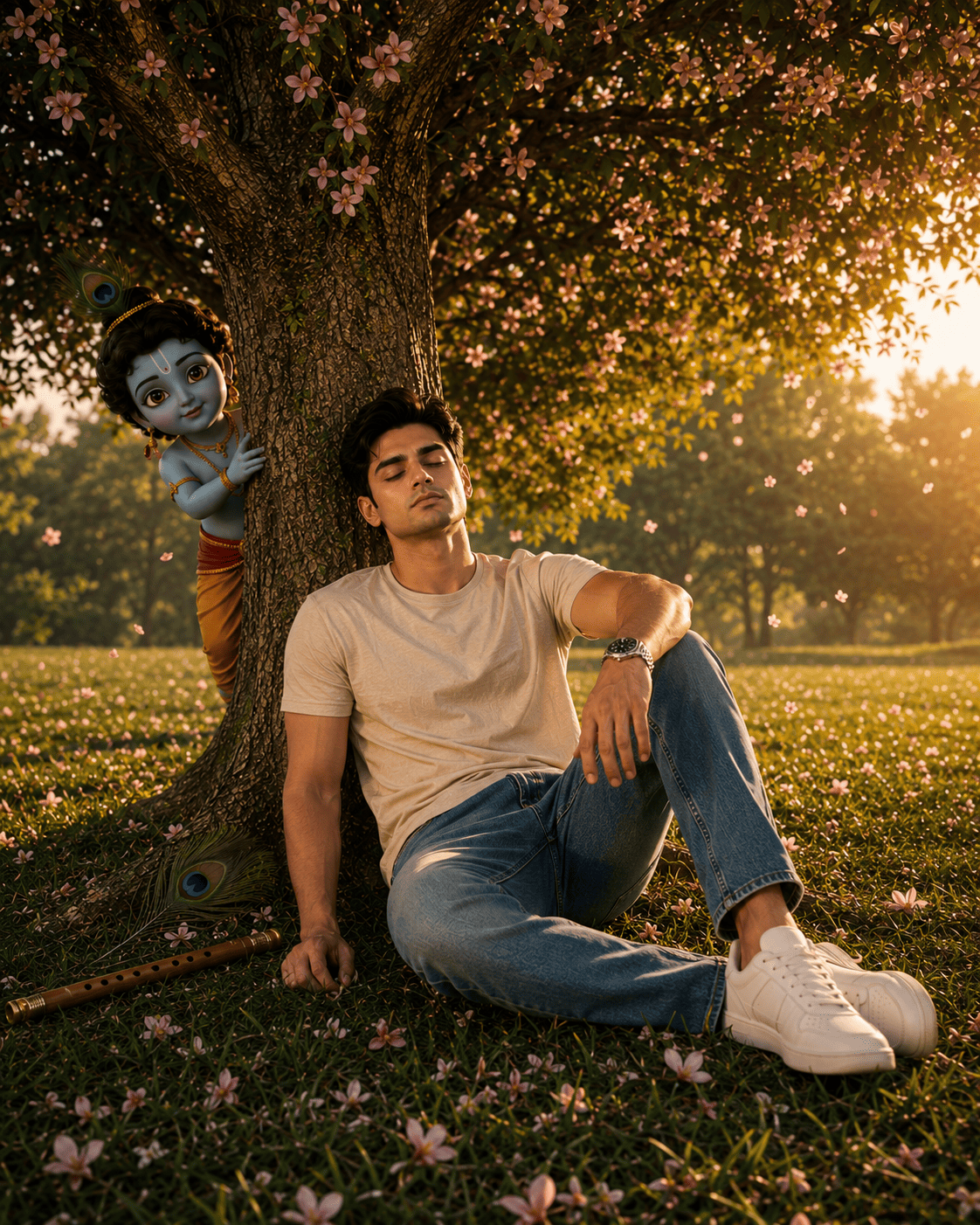
Turn this photo into a professional, ultra-wide, upper-angle low-angle shot of a young man. Same face, same outfit, 100% face don't change...Little Krishna AI Photo Editing Prompt (Girl Version)
The girl version uses the exact same scene and styling just swap in a full-body reference photo of a girl instead.
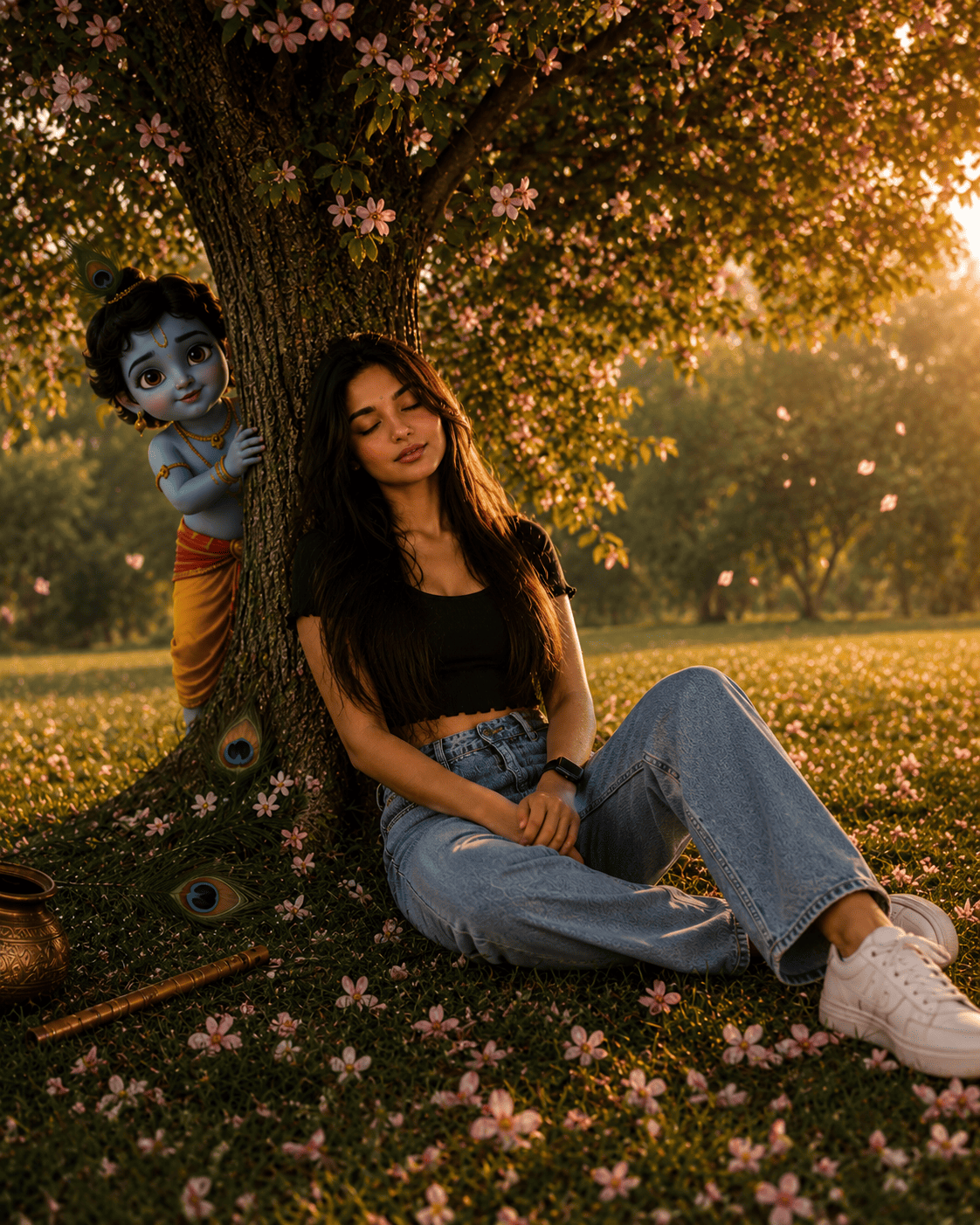
Turn this photo into a professional, ultra-wide, upper-angle low-angle shot of a young girl. Same face, same outfit, 100% face don't change...How To Use These Little Krishna Prompts
To create this look, go to the Play Store on your phone and download the ChatGPT app. Open the app and log in using your Gmail account. Copy whichever prompt you like from above, click the “+” icon in ChatGPT to add your full-body photo, paste the prompt, and submit it. Your photo will be ready in just a short while simply download it once it’s done.
Frequently Asked Questions
- Which app do I need for the Little Krishna prompt?
- You need the ChatGPT app. Log in with your Gmail account, upload a full-body photo, and paste the prompt to generate the image.
- Will my face and outfit stay the same?
- Yes. Both prompts are written to keep your face and outfit 100% unchanged, so use a clear, full-body reference photo for the most accurate result.
- Can I change the pose?
- Yes. You can adjust the sitting pose if you’d like a different look, while keeping the tree, flowers, and Little Krishna elements the same.
- Is this prompt suitable for both boys and girls?
- Yes. We’ve included one version for a boy and one version for a girl, both using the same devotional scene.
- Is this prompt free to use?
- Yes. ChatGPT is free to use, and the prompts themselves are free to copy and paste.
Conclusion
As you know, the prompts Tech Upkar shares are always unique and highly effective, delivering working results. These Little Krishna AI photo editing prompts for ChatGPT are fantastic all the necessary details are here, and all you need to do is upload your photo and generate. Browse more of our AI photo editing prompt collection for fresh ideas, and if you encounter any issues during the process, let us know in the comments.