
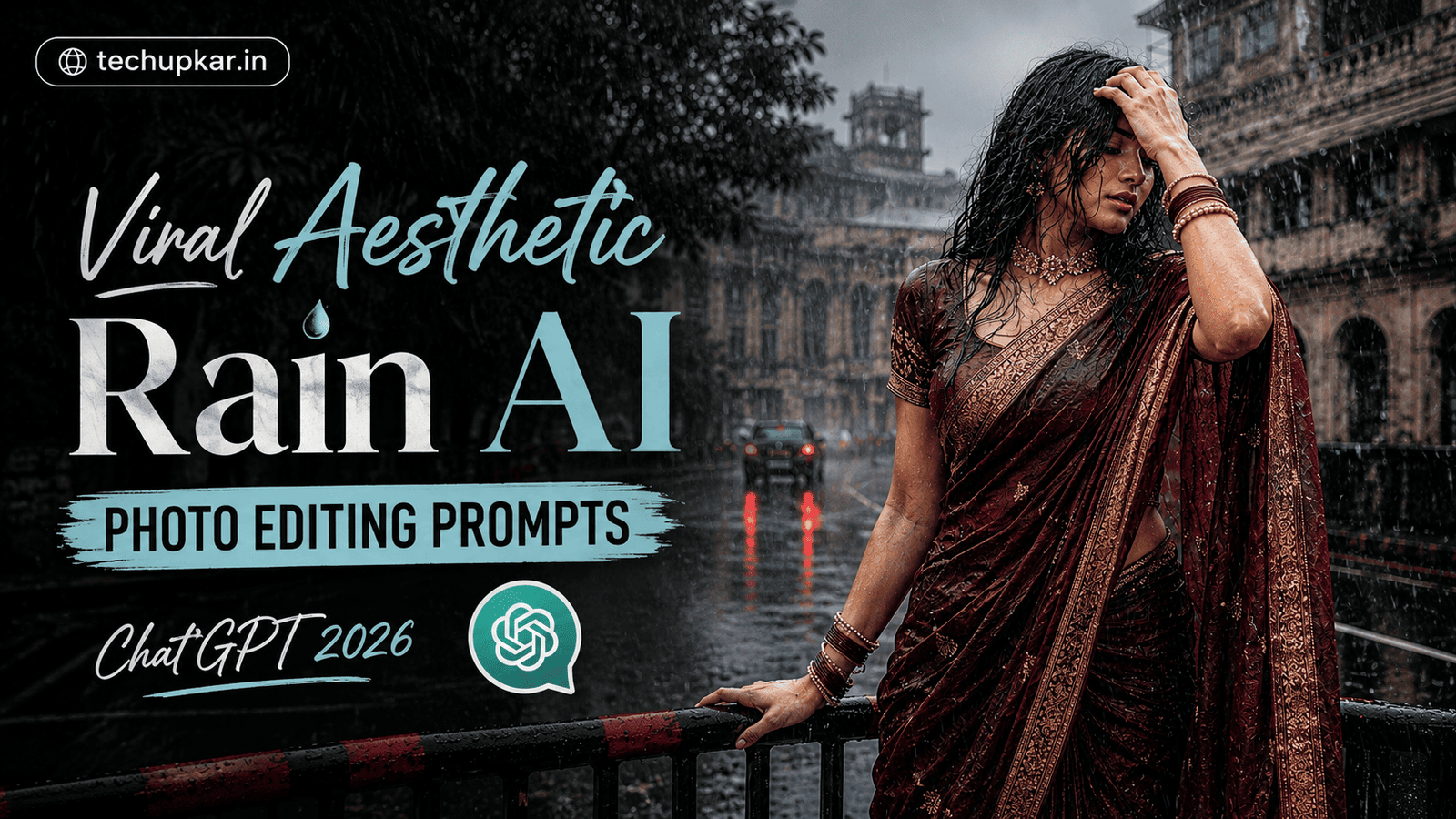
The Viral Aesthetic Rain trend is all over Instagram right now a cinematic, moody photo of you standing drenched in the rain on a city street, with soft diffused daylight reflecting off the wet pavement. Since it’s rainy season, this is the perfect trend to try even without stepping outside. If you’ve been wondering how creators are getting this unique, cinematic look, the secret is a single AI photo editing prompt no real rain required. AI is widely used these days everyone seems to be using it so Tech Upkar wants you to leverage this technology to complete tasks quickly. Simply go to ChatGPT, upload a clear photo of your face, copy the prompt provided below, and paste it along with your photo; your image will be ready in seconds. You can then download it and share it on social media.
This Tech Upkar Viral Aesthetic Rain prompt keeps your exact facial features, expression, and body shape unchanged while placing you in a fully drenched, cinematic rainy street scene. This style of photo editing is currently trending, and by creating and uploading these images, you too could go viral. If you enjoyed this format, you may also like our Rain Memory AI Photo Editing Prompt.
In this guide
A Quick Note Before You Start
This Viral Aesthetic Rain prompt is built to keep your exact facial features, expression, and body shape unchanged while the AI transforms the background and lighting into a moody, rain-soaked city street. Use a clear, front-facing reference photo for the most accurate result. You can find unlimited AI prompts like this one on Tech Upkar.
Viral Aesthetic Rain AI Photo Editing Prompt
Upload a clear photo of your face first this is the photo ChatGPT will use to lock in your identity. Then paste the prompt below alongside it.
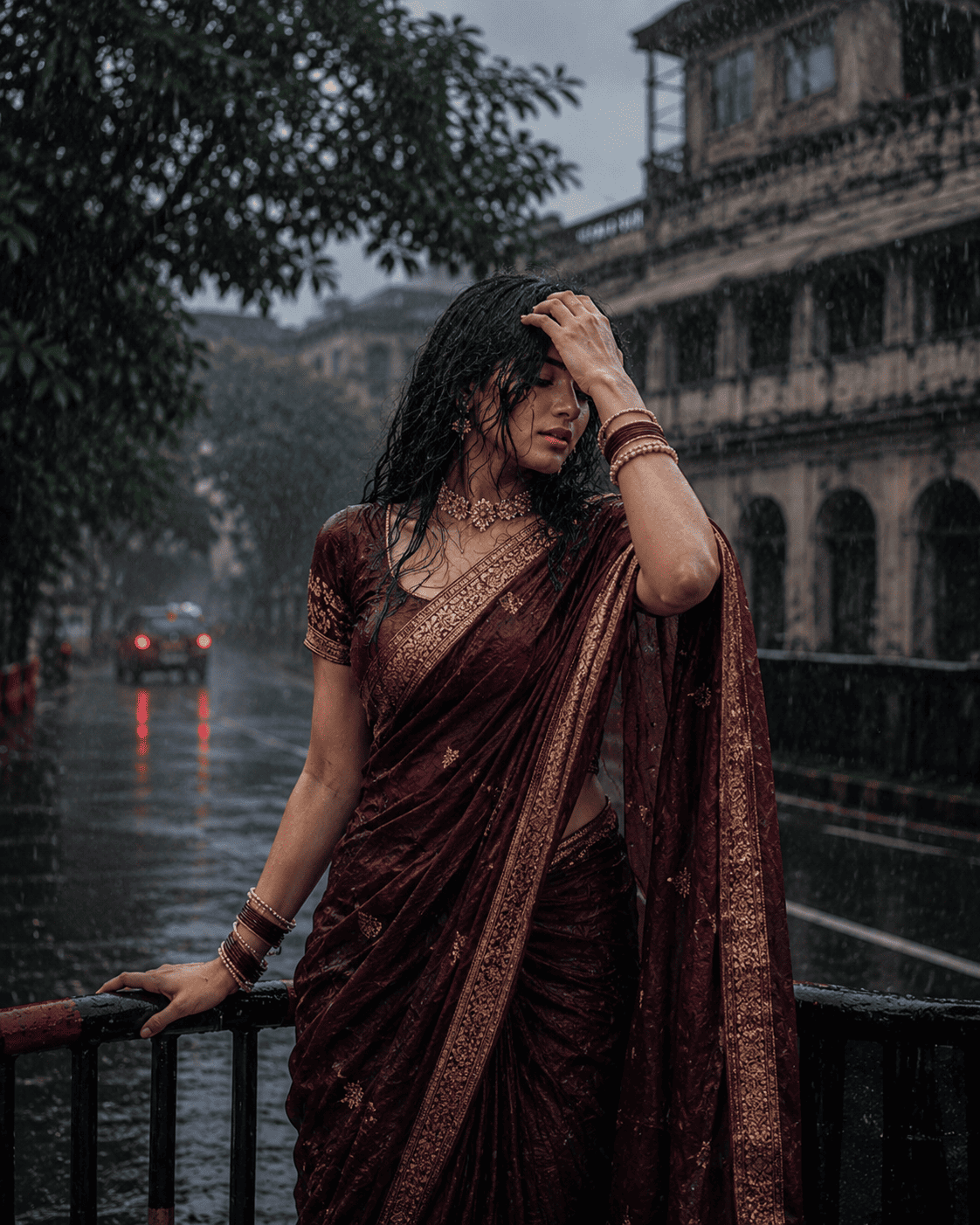
A realistic, high-quality daytime photograph of the person in the reference image, standing under a heavy rain shower...How To Use This Viral Aesthetic Rain Prompt
To create this look, you will need ChatGPT with image generation enabled. Log in using your Gmail account, then click the “+” icon to upload a clear photo of your face. Next, copy the prompt above, paste it alongside your photo, and submit it. Your image will be ready in a short while simply click the download option to save it. You can also adjust the colors or make other modifications as you prefer.
Frequently Asked Questions
- Which app do I need for the Viral Aesthetic Rain prompt?
- You need ChatGPT with image generation enabled. Log in with your Gmail account, upload a clear photo of your face, and paste the prompt to generate the image.
- Will my face stay the same?
- Yes. The prompt is written to maintain your exact facial features, expression, and body shape, so use a clear, front-facing reference photo for the most accurate result.
- Is this prompt free to use?
- Yes. ChatGPT is free to use, and the prompt itself is free to copy and paste.
- Can boys and girls both use this prompt?
- Yes. This prompt works for anyone, whether you’re a boy or a girl, and is popular among content creators, YouTubers, and bloggers alike.
- Is this trend good for Instagram and Facebook?
- Yes. This cinematic, moody rain aesthetic is designed to stand out on Instagram and Facebook feeds and Stories.
Conclusion
As you know, the prompts Tech Upkar shares are always unique and highly effective, delivering working results. This Viral Aesthetic Rain AI photo editing prompt for ChatGPT is fantastic all the necessary details are here, and all you need to do is upload your photo and generate. Browse more of our AI photo editing prompt collection for fresh ideas, and if you encounter any issues during the process, let us know in the comments.