
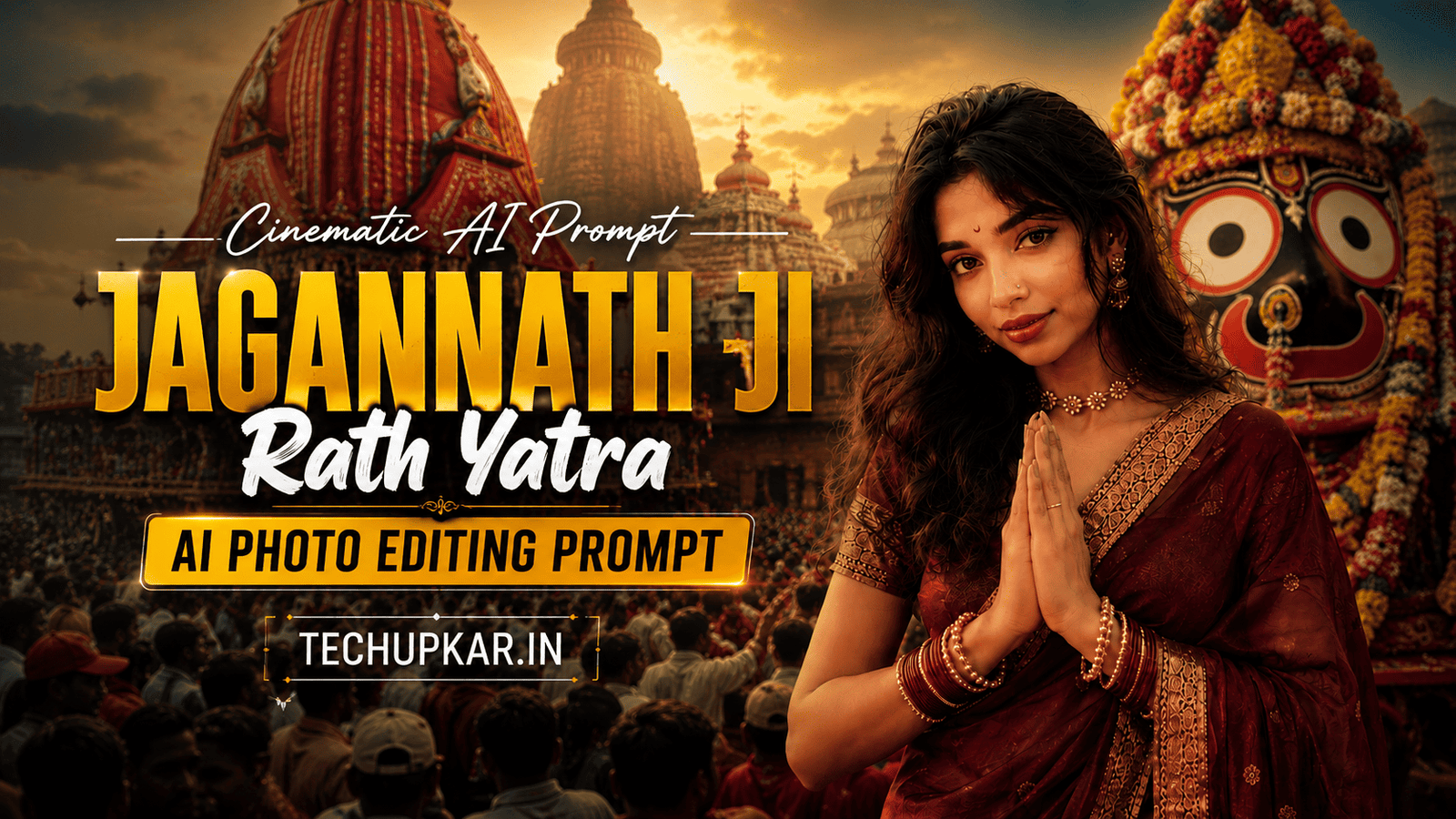
The Jagannath Ji Rath Yatra AI Photo Editing Prompt trend is spreading across Instagram, WhatsApp Status, and Facebook during this sacred festival season. Devotees are creating stunning cinematic devotional portraits of themselves lovingly embracing Lord Shri Jagannath inside a glowing temple, or standing in front of the iconic Jagannath Temple in Puri with hands joined in a respectful namaste.
Millions celebrate Rath Yatra annually with faith and joy, and now AI makes it possible to create a deeply personal devotional memory without any professional editing skills or an actual trip to Puri. AI is widely used these days and Tech Upkar wants you to use this technology to create your own Rath Yatra portrait in seconds.
Simply open Google Gemini or ChatGPT, upload your reference photo, copy either prompt below, paste it alongside your photo, and your cinematic devotional portrait will be ready to download and share.
Tech Upkar has prepared 2 powerful prompts for this festival — one where you appear hugging Lord Jagannath inside the sacred temple in a blissful devotional moment, and another where you stand before the grand Jagannath Temple in Puri in an ultra-realistic DSLR travel portrait style.
Both prompts keep your face, hairstyle, and identity completely unchanged. This is the perfect way to share your devotion this Rath Yatra season. If you enjoy this format, you will also love our Motu Patlu Carry Trend AI Photo Editing Prompt.
In this guide
A Quick Note Before You Start
Both Jagannath Ji Rath Yatra prompts below include face-preservation instructions so your facial features, hairstyle, skin tone, and expression stay as close to your reference photo as possible throughout the devotional scene.
The AI builds the entire temple environment, Lord Jagannath idol, lighting, and cinematic composition around you without altering your identity. Use a clear, well-lit, front-facing photo as your reference for the most accurate result. You can find unlimited AI prompts like these on Tech Upkar.
Prompt 1 — Hugging Lord Jagannath
This prompt creates an ultra-realistic cinematic devotional portrait of you inside a sacred Hindu temple with your eyes gently closed in bliss, lovingly embracing the divine idol of Lord Shri Jagannath adorned in royal blue silk and golden ornaments, surrounded by glowing oil lamps and warm temple lighting. Upload your reference photo first, then paste the prompt below.
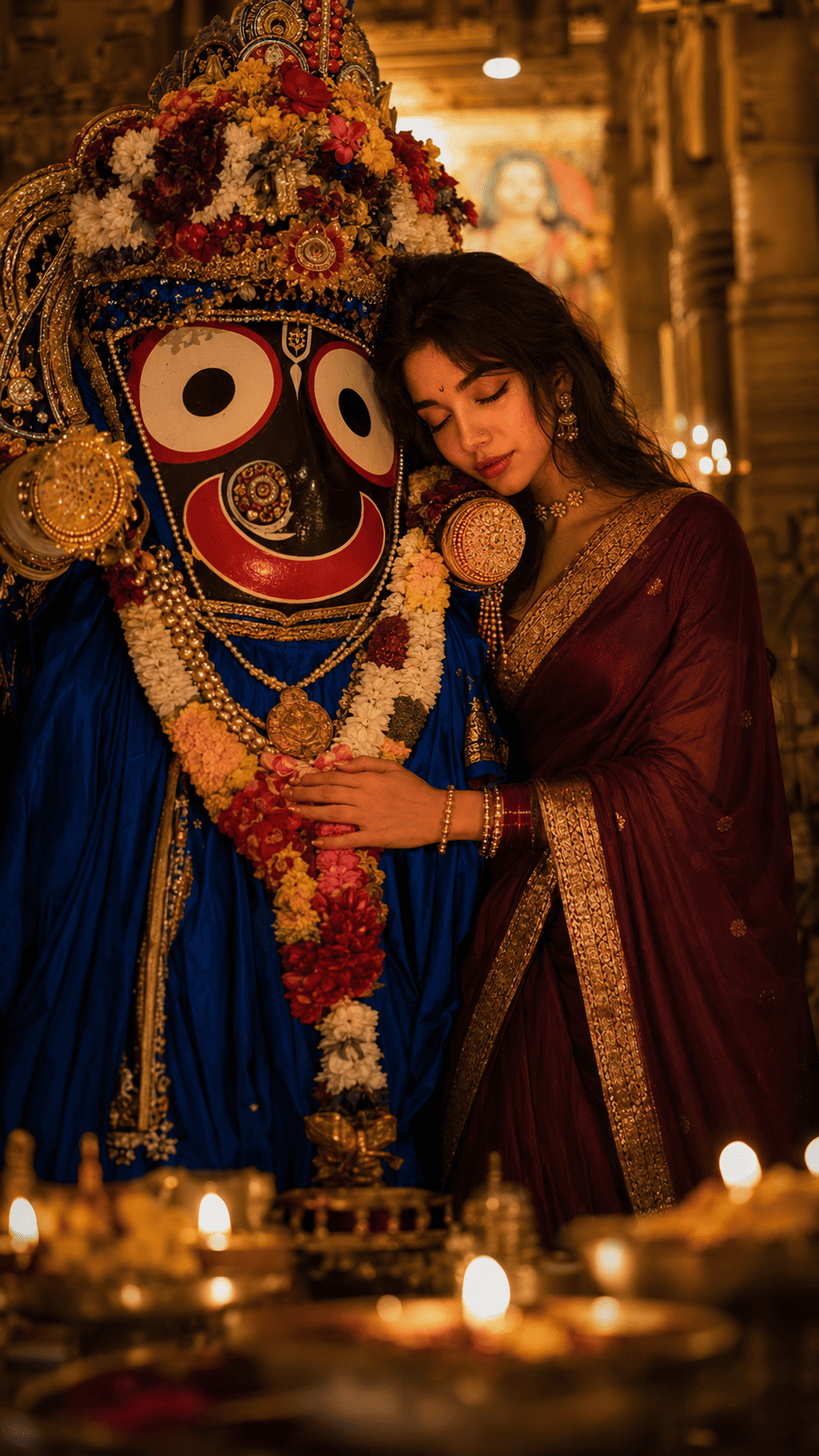
An ultra-realistic, cinematic devotional portrait inside a sacred Hindu temple...
Prompt 2 — Standing in Front of the Temple
This prompt creates an ultra-realistic DSLR devotional travel portrait of you standing in front of the iconic Jagannath Temple in Puri, Odisha, with hands joined in a respectful namaste and a warm peaceful smile, surrounded by intricate temple architecture, colorful flags, and a crowd of devotees in soft natural daylight. Upload your reference photo first, then paste the prompt below.
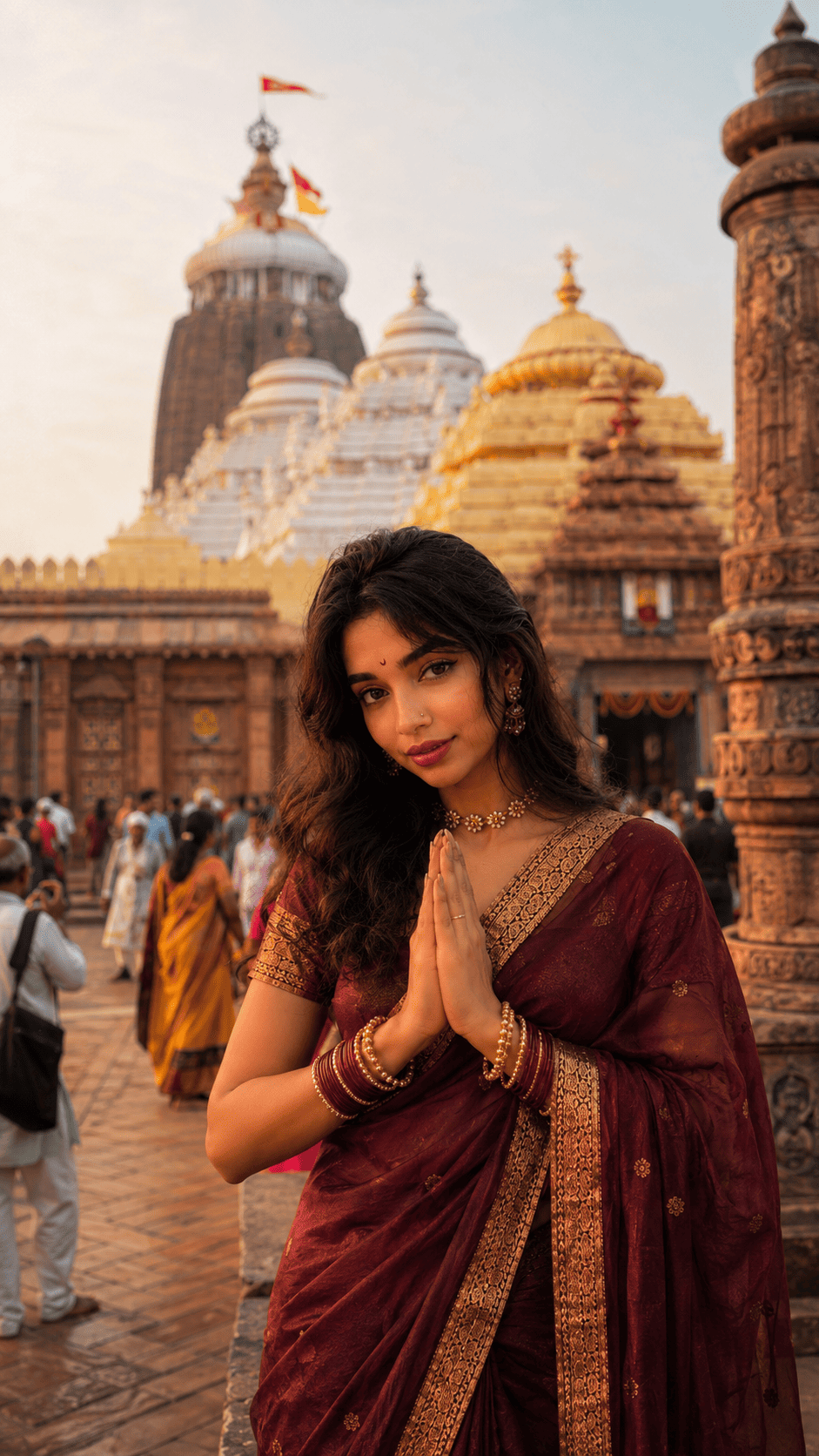
Ultra-realistic DSLR devotional travel portrait of the image i have shared with you (use the same subject which i have shared with you)...
How To Use These Prompts
To create your Rath Yatra devotional portrait, you will need the Google Gemini app or ChatGPT with image generation enabled. Download the app and log in with any Gmail or Google account. Tap the “+” icon at the bottom of the chat screen, upload your reference photo, copy whichever prompt suits you, paste it alongside the photo, and hit send. Your devotional portrait will be generated in a few seconds — download it and share it directly on Instagram, WhatsApp Status, or Facebook as a Rath Yatra greeting.
Which Camera Or Phone Should You Choose?
Any clear, well-lit reference photo works well for these prompts. That said, Sony cameras are currently the top choice for reference shots thanks to their exceptional dynamic range and accurate skin tone rendering.
If you are looking for a budget-friendly option, Nikon is a reliable pick, while Canon excels at both photos and video. For smartphones, iPhones, Samsung Galaxy phones, and Google Pixel phones all produce sharp, naturally lit reference images that give the AI the best base to work from.
If you do not yet own a quality camera, you can easily purchase one on EMI with a down payment and monthly instalments over 12 to 36 months. The payments spread out comfortably over time, and once you have a good camera, your Rath Yatra portraits and every other AI prompt you try on Tech Upkar will produce significantly sharper and more realistic results.
Frequently Asked Questions
- Which app do I need for the Jagannath Ji Rath Yatra AI photo editing prompt?
- You need the Google Gemini app or ChatGPT with image generation enabled. Log in with any Gmail account, upload your reference photo, paste the prompt, and your devotional portrait will be generated in seconds.
- Will my face stay exactly the same in the output?
- Yes. Both prompts include face-preservation instructions that tell the AI to keep your facial features, hairstyle, skin tone, and expression as close to your reference photo as possible. Use a clear, front-facing, well-lit photo for the best result.
- What is the difference between Prompt 1 and Prompt 2?
- Prompt 1 creates a cinematic devotional portrait of you inside the temple lovingly embracing Lord Shri Jagannath in a blissful, spiritual moment. Prompt 2 creates an ultra-realistic DSLR travel portrait of you standing outside in front of the grand Jagannath Temple in Puri with hands in namaste.
- Is this prompt suitable for Rath Yatra posts?
- Absolutely. Both prompts are perfect for Jagannath Rath Yatra greetings, Instagram posts, Facebook updates, WhatsApp Status, and profile pictures. They are designed specifically for this festival season.
- Are these prompts free to use?
- Yes. Google Gemini and ChatGPT are free to use, and both prompts on this page are completely free to copy and paste from Tech Upkar.
Conclusion
As you know, the prompts Tech Upkar shares are always unique and highly effective, delivering working results every time. These two Jagannath Ji Rath Yatra AI photo editing prompts for Google Gemini and ChatGPT cover the two most meaningful festival moments — a personal devotional hug with the Lord and a grand temple travel portrait — and all you need is your photo and a single paste. Browse more of our AI photo editing prompt collection for fresh ideas this festival season, and if you run into any issues while generating, drop a comment below and we will help you out. Jai Jagannath!